Cisco Duo MFA Review for Lean SMB IT Teams

Table of Contents
A compromised password should not become a company-wide incident. Yet for a 100- to 250-user organization, that is often the gap: employees sign in to cloud apps, VPNs, servers, and admin consoles with credentials that can be phished, reused, or exposed. This Cisco Duo MFA review looks at whether Duo gives lean IT teams enough protection and control without creating another difficult system to manage.
Duo is a mature multi-factor authentication platform built around a simple job: require a second proof of identity before granting access. For many small and midsize businesses, its appeal is less about adding another security dashboard and more about reducing the chance that one stolen password turns into downtime, ransomware, or a difficult insurance conversation.
Cisco Duo MFA Review: Where It Fits Best
Cisco Duo is a strong fit when your environment has a mix of cloud applications, remote access, Windows or Mac endpoints, and privileged accounts that need better protection. It is particularly practical for organizations that already use Cisco networking or security tools, although it does not require an all-Cisco environment to be useful.
The platform supports common authentication methods, including Duo Mobile push approvals, passcodes, hardware tokens, and phishing-resistant options such as security keys and passkeys where supported. That flexibility matters because not every employee works at a desk with a personal smartphone. Manufacturing floor staff, shared-device users, contractors, and employees in low-connectivity areas may need alternatives.
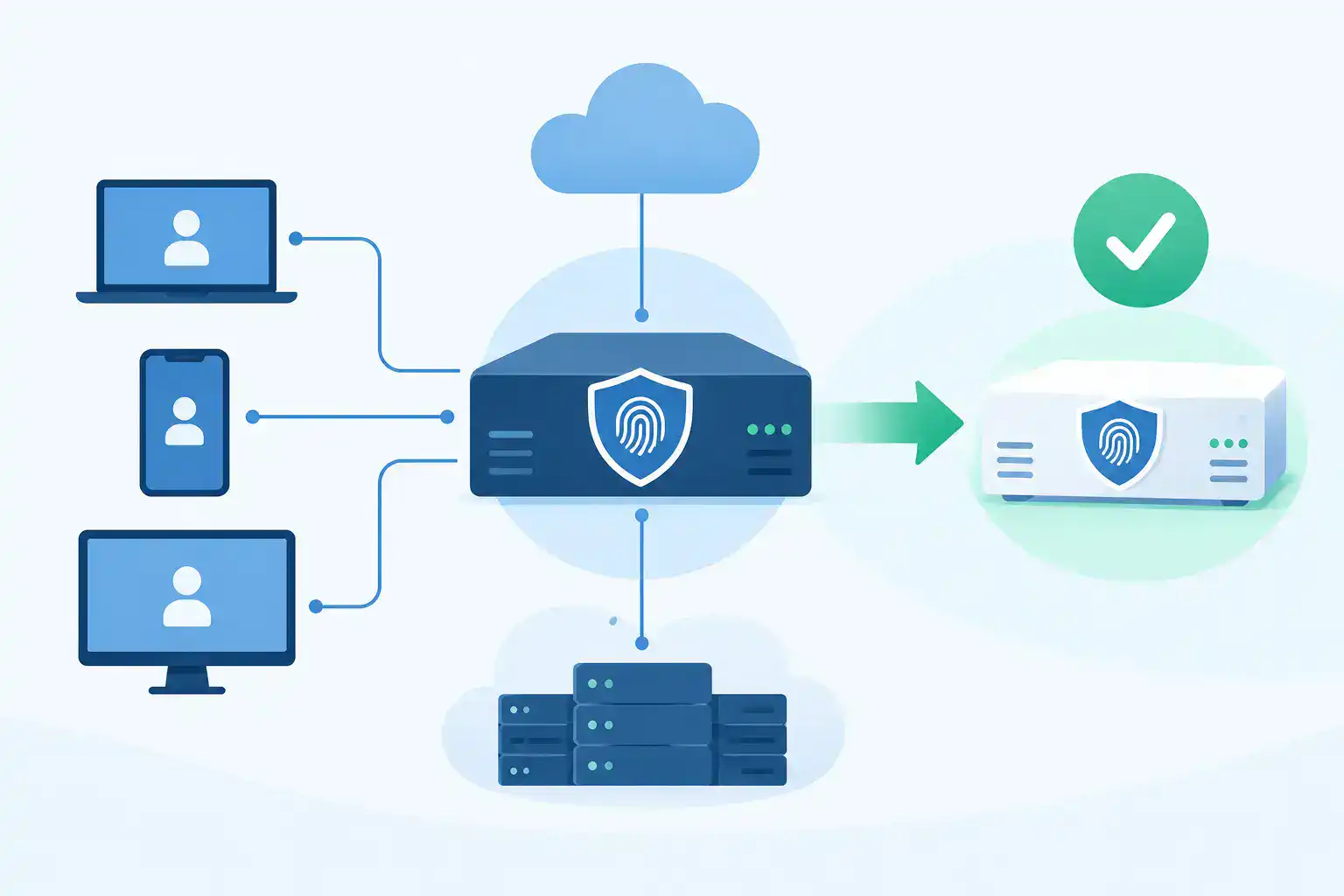
For IT teams, the core value is centralized policy. You can apply different access requirements based on the application, user group, device, location, or risk signal. A finance administrator connecting from an unmanaged device should not face the same policy as an employee checking a low-risk internal resource from a managed laptop.
Duo can also provide device visibility and device-trust capabilities, depending on the edition and integrations selected. This helps teams make access decisions based on more than a username and a successful push notification. If a device is outdated, unmanaged, or otherwise outside policy, access can be limited or blocked.
The Strengths That Matter in Day-to-Day Operations
Duo succeeds because the user experience is generally easy to explain: sign in, confirm your identity, continue working. That lowers the training burden and makes adoption more manageable for a small IT department.
Administration is also approachable. Policies can be built without forcing every team to become identity specialists first. You still need to design those policies carefully, but the operational model is familiar: protect the application, assign the users, select the authentication method, and define exceptions only where there is a clear business reason.
The broad integration ecosystem is another practical advantage. Most SMBs do not have one identity source or one application type. They may have Microsoft 365, VPN access, remote desktop, SaaS accounting, line-of-business applications, network device administration, and legacy systems in the same environment. Duo is often able to bridge that mixed environment without requiring a complete identity redesign on day one.
For security teams, Duo's reporting and authentication logs help with the questions that arise after an alert: Who attempted access? From which device? Was the login approved, denied, or blocked by policy? The answers are not a replacement for a SIEM or broader security monitoring program, but they are useful evidence when investigating access issues.
Where Duo Requires Careful Planning
MFA is not a set-it-and-forget-it control. Duo can be straightforward to deploy, but the quality of the outcome depends on the design decisions made before rollout.
The first trade-off is licensing scope. The right edition depends on whether you need basic MFA, stronger device controls, advanced visibility, privileged access protections, or other capabilities. Buying only for the immediate use case may look efficient, then create a second project when you need to protect VPN, administrative accounts, and unmanaged endpoints six months later. On the other hand, paying for capabilities you will not operationalize is not good planning either.
The second trade-off is user workflow. Push notifications are convenient, but users can be conditioned to approve prompts too quickly. For higher-risk applications and administrative access, phishing-resistant authentication methods deserve serious consideration. A security key or passkey-based approach can be a better fit than relying on push alone, especially for IT administrators and finance users.
Legacy applications can also complicate deployment. An older VPN, remote desktop workflow, custom web application, or shared account model may need a specific integration method or a process change. That does not make Duo a poor choice. It means the project needs an application inventory and a realistic pilot before a company-wide cutover.
Finally, plan for exceptions without letting exceptions become the policy. Lost phones, new employees, contractors, service accounts, break-glass admin access, and users without smartphones all need documented paths. The best deployments are firm by default and flexible only where the business has a legitimate need.
What a Practical Duo Rollout Looks Like
Start by identifying the access points that would create the greatest damage if an account were compromised. For most organizations, that includes email, VPN or remote access, identity administration, cloud infrastructure, finance systems, and network management tools. Do not begin by trying to enforce MFA on every application at once.
Next, confirm your identity source and application inventory. Know where users are managed, how groups are assigned, which systems use modern authentication, and which systems may require an agent, RADIUS configuration, SSO integration, or a different control. This is the step that prevents last-minute surprises.
A phased rollout usually works best:
- Protect IT administrators and privileged accounts first, using stronger authentication where possible.
- Add email, VPN, and other high-value services for a pilot group representing different departments and device types.
- Resolve enrollment, help desk, and exception workflows before expanding to the rest of the organization.
- Roll out by department or location, with clear user communication and an escalation plan for the first few days.
Set policies based on risk, not convenience alone. A managed corporate laptop on the office network may warrant a different experience than an unmanaged personal device attempting to access sensitive cloud data. The goal is not to frustrate users. It is to avoid treating every sign-in as equally trustworthy.
Cisco Duo MFA Review: Costs and Buying Considerations
Duo licensing is typically subscription-based and varies by edition, user count, and the capabilities required. For budgeting, the license price is only one part of the decision. Include the time required to validate integrations, configure policies, enroll users, support rollout, and maintain the solution as applications change.
For a lean IT team, the most expensive mistake is often not choosing the wrong MFA product. It is buying the correct product with an unclear deployment plan. If the VPN integration is missed, admin accounts are excluded, or device policy is left in monitor-only mode indefinitely, the organization may believe it has reduced risk more than it actually has.
Before requesting pricing, define the number of protected users, priority applications, identity provider, VPN or remote access platform, endpoint management tools, and desired authentication methods. That gives a Cisco partner enough context to validate the configuration instead of simply quoting a license count.
Hummingbird Networks helps IT teams assess Cisco and Meraki purchases with that same practical lens: confirm compatibility, avoid licensing mismatches, and keep projects moving without unnecessary procurement delays. For Duo, a short configuration review can clarify which edition and integration approach fit the environment before an order is placed.
Is Duo the Right MFA Choice?
Duo is a sensible choice for SMBs that need dependable MFA across a varied environment and want policy control without building a complex identity program from scratch. It is especially compelling when remote access, administrative accounts, and cloud applications need consistent protection quickly.
It may be less compelling if your organization has already standardized on an identity platform whose included MFA, conditional access, device management, and application coverage fully meet your requirements. Even then, compare real policy needs rather than assuming one vendor's included feature eliminates the need for a dedicated MFA platform.
The right decision comes down to coverage, user experience, and operational fit. Protect the systems that would hurt most to lose, choose authentication methods that resist realistic threats, and validate the licensing and integrations before committing. A well-scoped MFA project gives your team one less urgent access problem to solve later.
Get a Quote or schedule a configuration review when you are ready to confirm the right Duo licensing and deployment path for your environment.
FAQs
What is Cisco Duo MFA?
Cisco Duo MFA is a multi-factor authentication platform that helps protect applications, devices, and user accounts by requiring additional identity verification during sign-in.
Is Cisco Duo MFA good for small businesses?
Yes, Cisco Duo can be a strong choice for small and midsize businesses that need centralized authentication policies, straightforward administration, and protection across multiple applications.