Managed vs Unmanaged Switch: How to Choose the Right One

Almost every switch purchase comes down to the same question: managed or unmanaged, and which one you actually need. It's an easy question to get wrong, because both switch types do the same basic job of moving traffic between devices. The real difference shows up later, when you need to segment guest traffic from staff, track down which port is flooding your network at 2 a.m., or standardize configuration across five offices instead of one.
This isn't a feature-by-feature spec sheet. It's a practical way to figure out where your network sits today and where it's headed, so you buy the right switch once instead of twice.
Unmanaged Switches: Fixed Configuration, Zero Overhead
An unmanaged switch does exactly one thing: it moves traffic between the ports plugged into it. There's no dashboard, no command line, and no configuration to back up or lose track of. Plug it in, and every port behaves exactly the same way, all the time.
That simplicity is also the limit. You can't create a VLAN to keep security cameras off the same broadcast domain as accounting workstations. You can't prioritize a voice call over a large file transfer. And if a port starts acting up, your only diagnostic tool is unplugging cables one at a time. Unmanaged switches still earn their place in a few specific spots:
- Overflow ports: adding a few extra ports to a printer or conference room without touching your core network configuration.
- Single-purpose runs: wiring one isolated device or a temporary setup where segmentation and monitoring don't add value.
- Cost-sensitive closets: a small remote location where the traffic is simple and nobody's logging into the network anyway.
None of that makes unmanaged switches a bad choice. It makes them a specific one, and a good fit for networks that genuinely don't need more.
Managed Switches: VLANs, PoE Visibility, and Remote Control
A managed switch gives you a control plane: a dashboard or command-line interface where you configure how traffic actually moves. That's where VLANs, quality of service (QoS), port mirroring, and SNMP monitoring live. You decide which ports talk to which networks, which traffic gets priority, and who's allowed to plug in at all.
In practice, managed switches split into two camps. Cisco Catalyst switches use an on-box command-line interface you configure directly on the device. Cisco Meraki switches move that same control into a cloud dashboard, so you can push a configuration change to a switch in another state without a site visit. Both are managed. The difference is where the control plane lives, and that matters more to a multi-site IT team than the spec sheet does.
If you're leaning cloud-managed, our guide to Meraki switch models breaks down which model fits which deployment size.
Managed switches also give you PoE budget visibility. This means you can see exactly how much power each port is drawing before a new camera or access point trips your budget, along with centralized firmware management, so a security patch goes out to every switch on the network instead of one device at a time.
What's the Difference Between Managed and Unmanaged Switches?
The sections above tell you what each switch type is. They don't tell you what that means for your network on a Tuesday afternoon when a port starts flooding or a new hire's laptop needs to sit on a different VLAN than the guest network. That's what actually separates the buying decision, so here's the practical breakdown.
None of these differences carry equal weight for every network. A five-person office and a twelve-location retail chain will weigh this list very differently, which is exactly why the next section walks through when each factor actually applies to you.
- Cost: managed switches carry a real premium, especially at the enterprise-grade tier, though the gap narrows at the smart-switch tier.
- Setup time: unmanaged switches work the moment you plug them in. Managed switches need initial configuration, and cloud-managed platforms add a dashboard onboarding step.
- VLAN and QoS support: only managed switches let you segment traffic (guest, staff, security cameras) or prioritize voice and video.
- Security and port-level control: managed switches let you lock down, monitor, and disable individual ports. Unmanaged switches treat every port exactly the same.
- Remote visibility and troubleshooting: managed switches, especially cloud-managed ones, let you see and fix issues without a truck roll.
- PoE budget management: managed switches show you per-port power draw and let you prioritize it. Unmanaged switches just deliver power until the budget runs out.
- Scalability across sites: managed switches let you apply consistent policy across every location from one dashboard. Unmanaged switches get configured site by site.
When to Choose a Managed Switch (and When Not To)
There's no universal answer here, and anyone who tells you managed is always the right call is selling something. It depends on how many locations you're running, what kind of traffic is sharing your wires, and whether anyone on your team actually needs the visibility a managed switch provides.
We've helped IT teams standardize this decision across a dozen locations at once, and the pattern holds pretty consistently: the moment you're managing more than one site, the case for managed switches gets a lot stronger, since keeping five different unmanaged setups straight across five offices creates its own kind of chaos. If you're comparing specific Cisco models once you've settled on managed, our guide to picking the right Cisco switch for your office walks through the options in more detail.
Signs you need a managed switch
A managed switch earns its cost once your network stops being simple. These are the tells.
- Multiple locations: you're standardizing configuration across more than one office and want one dashboard, not one config per site.
- Mixed traffic types: voice, video, and security camera traffic are sharing the same wire and stepping on each other.
- Compliance or audit requirements: you need to show who touched what port, when, and from where.
- Growth on the roadmap: you're adding headcount or locations in the next 12 to 24 months and don't want to re-buy hardware.
Signs unmanaged is still the right call
Unmanaged isn't a starter product to apologize for outgrowing. For the right network, it's the correct long-term answer.
- Single closet, simple traffic: a handful of printers, PCs, and phones with no segmentation need.
- No plans to monitor remotely: there's no IT team logging into the network day-to-day to justify the visibility.
- Budget-constrained expansion: you just need more ports, not more control.
Once you've settled the managed vs unmanaged question, the next decision is usually how much power your switch needs to deliver.
Managed Switches and PoE: What Multi-Site IT Teams Should Know
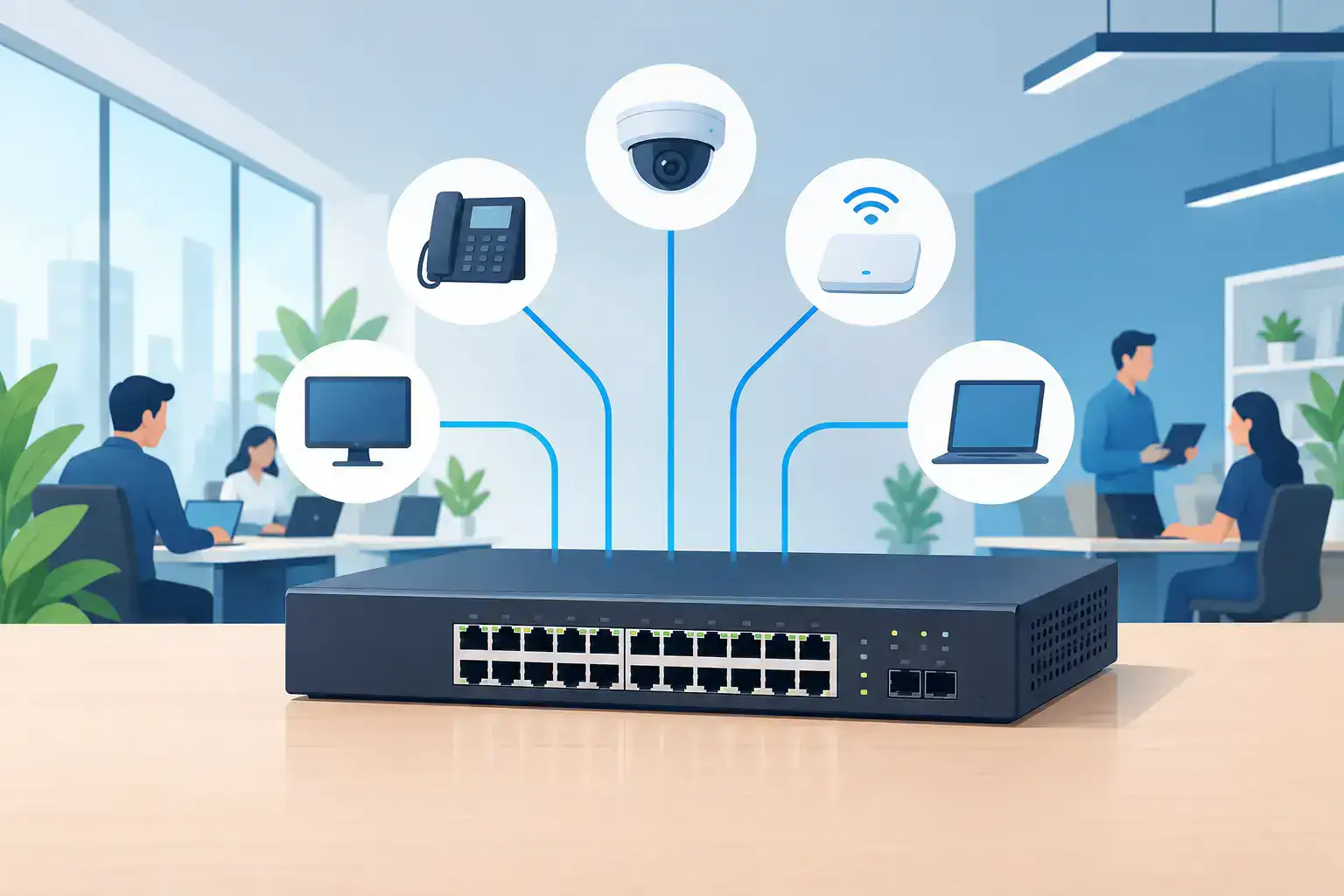
Power over Ethernet adds another layer to this decision, especially once you're running phones, access points, and security cameras off switch power instead of separate adapters. An unmanaged PoE switch delivers power to whatever's plugged in until it hits its budget, with no way to see that coming.
A managed switch shows you exactly how much power each port is drawing, lets you prioritize which devices get power first if you're close to the budget, and lets you schedule power cycling for devices that need a periodic reboot, all without a truck roll. That visibility matters even more across multiple sites, where you can't walk down the hall to check why a camera or access point dropped offline, and where one overloaded switch can take out phones and cameras at the same time.
FAQs
Can a managed switch be used as an unmanaged switch?
Yes. A managed switch will pass traffic on its default configuration with no setup at all, so it works as a drop-in unmanaged replacement if you want the option to configure it later.
Is a managed or unmanaged switch better for a small office?
It depends on whether that office needs traffic segmentation or remote visibility, not on its size alone. A five-person satellite office with simple traffic is often fine on unmanaged; one handling card payments or camera feeds usually isn't.
Do I need a managed switch if I already have a firewall or router doing traffic control?
Usually yes. A firewall controls traffic between networks, not within the switch itself, so port-level segmentation, PoE budgeting, and per-port monitoring still require a managed switch.
How much more does a managed switch cost than an unmanaged switch?
At the entry smart-switch tier, the premium is often modest. The larger cost difference shows up at the enterprise-managed tier, where licensing, as with Meraki's cloud dashboard, adds an ongoing cost on top of the hardware.
Getting the Right Switch for Your Network
The managed vs unmanaged question comes down to traffic complexity and multi-site plans, not price alone. If you've read this far and you're still not sure, that's usually a sign you're closer to the managed side than you think.
If you're replacing a switch that just failed, that decision needs to turn into hardware fast. We ship same-day and keep a deep bench of inventory in stock, so you're not waiting on a backorder while a site runs on a spare switch someone found in a closet.
If you know you need managed, but you're not sure which model or port count fits your setup, our personal IT concierge team will walk through your specific network with you instead of pointing you at a spec sheet.
For teams refreshing switches across several locations at once, we also offer financing and trade-in programs to spread that cost out.
We've been doing this for a long time, standardizing networks for IT teams who don't have time to become switch experts themselves.
Not sure which switch fits your network? Talk to our team, and we'll help you land on the right model for every site.