Network Lifecycle Management Guide for IT Teams

Table of Contents
- What Network Lifecycle Management Actually Covers
- Step 1: Build an Inventory You Can Trust
- Step 2: Set Refresh Priorities Based on Risk, Not Age Alone
- Step 3: Validate the Design Before You Place the Order
- Step 4: Treat Deployment as an Operational Change
- Step 5: Operate With a Regular Review Rhythm
- Step 6: Retire Equipment Without Creating a Security Problem
- Make Procurement Part of the Plan, Not the Emergency
- FAQs
A switch failure at a busy site rarely starts with the switch. More often, it starts months earlier: an incomplete inventory, an expired support contract, a licensing detail nobody tracked, or a rushed replacement order made after the outage began. This network lifecycle management guide is built for IT teams that need to keep business systems available without spending every week chasing hardware status, renewal dates, and configuration surprises.
For a 100- to 250-user organization, lifecycle management does not need to become a sprawling enterprise program. It does need clear ownership, accurate records, and decisions made before equipment becomes a problem. The goal is simple: make each network investment easier to support, secure, and replace on your schedule.
What Network Lifecycle Management Actually Covers
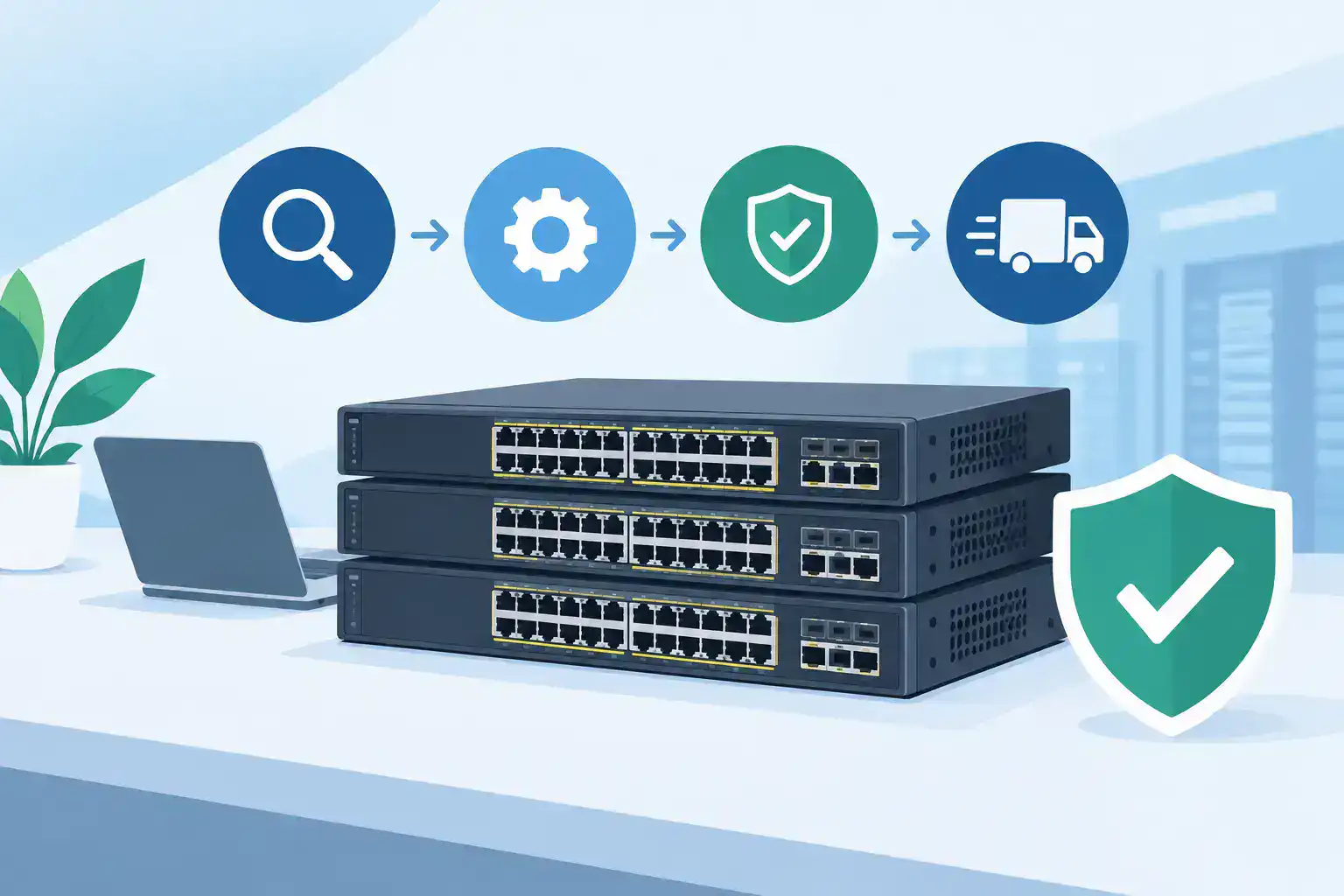
Network lifecycle management is the discipline of planning, purchasing, deploying, operating, refreshing, and retiring network equipment. That includes switches, wireless access points, firewalls, routers, optics, licenses, subscriptions, and support coverage.
The lifecycle is not a straight line. A new office, merger, security finding, warehouse expansion, or change in cloud applications can force a design review at any point. Still, having a repeatable process prevents reactive buying and gives a small IT team a defensible answer when leadership asks why a refresh is needed now rather than later.
A workable lifecycle program should answer five questions for every critical device:
- What is it, where is it, and what does it support?
- Is it under vendor support, warranty, and the right license tier?
- Is its software current enough for security and compatibility requirements?
- What is its expected replacement date and likely replacement cost?
- What is the business impact if it fails or needs to be taken offline?
If those answers live only in one administrator's memory, the organization has an operational risk, not a lifecycle process.
Step 1: Build an Inventory You Can Trust
An inventory is more than a serial-number spreadsheet. It should connect each device to a location, role, support status, software version, configuration backup, and owner. Start with the equipment that can interrupt business operations: internet edge devices, firewalls, core switches, distribution switches, wireless controllers, and access points serving critical areas.
Do not wait for perfect data. Begin with what your monitoring platform, management dashboard, purchase records, and site visits can confirm. Then assign a confidence level to records that need validation. A partial inventory that gets updated monthly is more useful than an ambitious audit that never gets finished.
For each site, document dependencies. A failed access switch in a conference room is inconvenient. A failed switch supporting production equipment, payment terminals, security cameras, or a shipping station has a different recovery priority. That context helps you decide where to keep spares, where redundancy is justified, and which devices should be refreshed first.
Watch for hidden lifecycle gaps
Licensing and support often create the most expensive surprises. Hardware may still power on, but an expired subscription can remove security updates, cloud management features, advanced firewall services, or the ability to replace failed equipment under support.
Also check power budgets, port utilization, fiber type, uplink speeds, and rack capacity. An access point refresh may appear straightforward until the team finds that existing switch ports cannot provide the required power or that the uplinks will become a bottleneck. Lifecycle planning works best when it considers the system around the device, not just the device itself.
Step 2: Set Refresh Priorities Based on Risk, Not Age Alone
A five-year-old switch is not automatically a replacement candidate. It may be stable, supported, properly sized, and a reasonable fit for its role. Conversely, a newer device may deserve attention if it has recurring failures, inadequate capacity, unsupported software, or no viable spare strategy.
Rank equipment using a simple combination of business impact, supportability, performance headroom, security exposure, and replacement lead time. This turns refresh planning from a debate about model age into a conversation about risk and cost.
For example, a retail location with one firewall and a limited cellular backup path may need an earlier refresh than an office with older but redundant access switches. A manufacturing floor may need carefully scheduled changes and field-tested replacement hardware, while a professional services office may place more weight on Wi-Fi density and secure remote access. The right timeline depends on the workload and tolerance for interruption.
Set a rolling 12- to 36-month roadmap. The next 12 months should include approved or near-approved projects, expected support renewals, and known end-of-support dates. The later period can be directional, with budget ranges and assumptions. This gives finance a realistic view of upcoming needs while preserving flexibility as requirements change.
Step 3: Validate the Design Before You Place the Order
Procurement errors are frustrating because they consume time twice: once during the original purchase and again when the team has to correct the mistake. Before ordering, validate the full bill of materials against the design.
That means confirming hardware compatibility, power requirements, uplink modules, optics, mounting hardware, licensing terms, support coverage, and lead times. It also means checking whether existing equipment can remain in place during the transition. A refresh that requires a single overnight cutover has a different risk profile than one that can be staged floor by floor.
Avoid treating licenses as an afterthought. Cloud-managed networking and security platforms can simplify operations, but subscription terms affect the long-term cost of ownership. Review which features are included, what happens at expiration, whether co-termination is useful, and who will be responsible for renewal tracking.
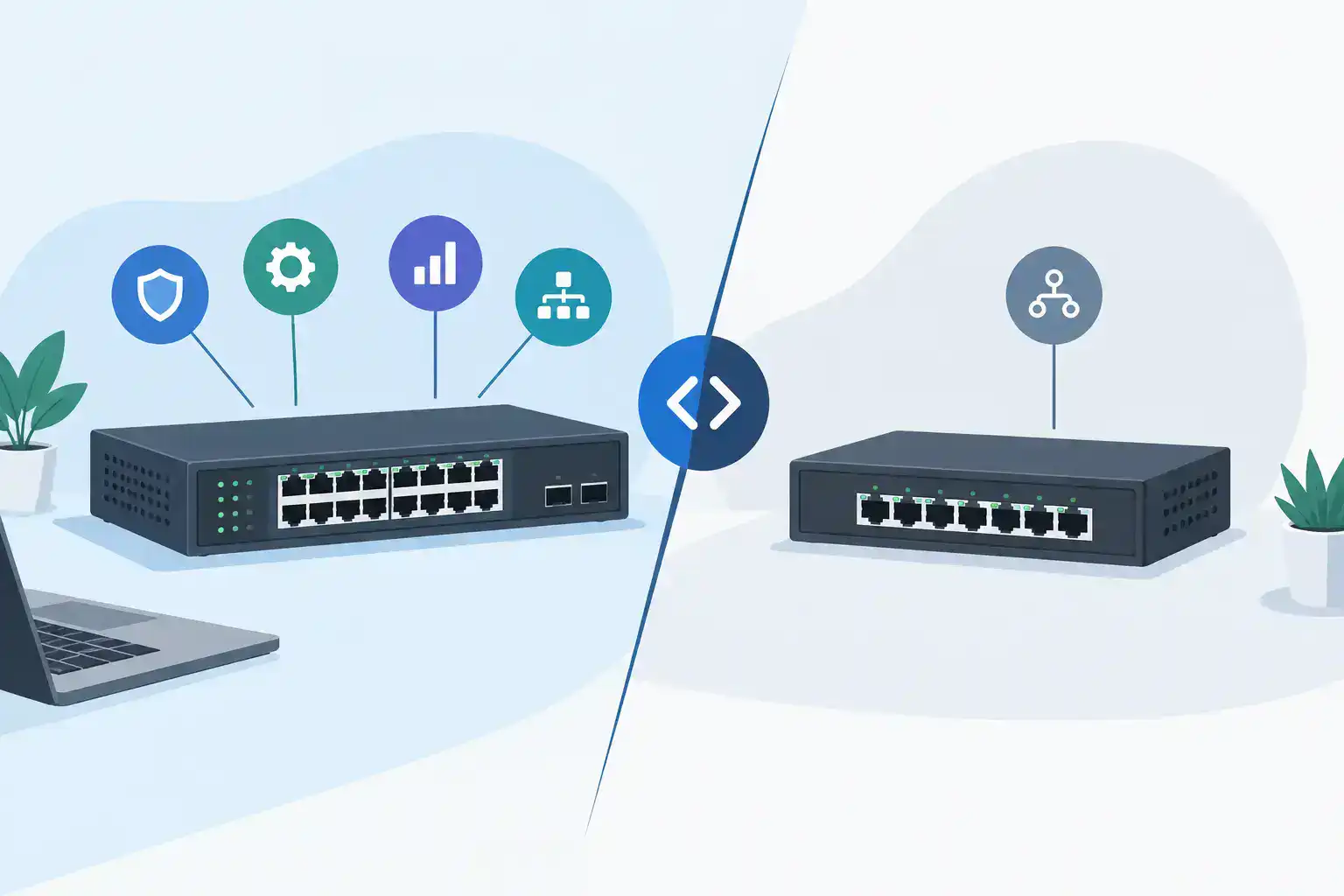
There is also a trade-off between standardization and flexibility. Standardizing on a limited set of approved models can simplify spares, documentation, and troubleshooting. But forcing every site into the same design can create unnecessary cost. A smaller branch may not need the same switch capacity or wireless density as headquarters. Standardize the architecture and support model, then size hardware for the actual site.
Step 4: Treat Deployment as an Operational Change
A device arriving on site is not the end of procurement. It is the beginning of a controlled change. Build a deployment plan that includes pre-configuration, a maintenance window, rollback steps, configuration backups, testing criteria, and a communications plan for affected users.
Whenever possible, stage equipment before the change window. Load approved software, apply the baseline configuration, label ports, validate licenses, and test management access. For multi-site teams, a standard staging checklist reduces variation and makes remote troubleshooting much easier.
After cutover, test the services people actually use. Verify internet access, internal applications, voice, wireless authentication, printers, VPN connectivity, guest access, and any site-specific systems. Monitoring should also confirm that interfaces are negotiating at expected speeds and that power, temperature, and error counters look normal.
Document what changed while the details are fresh. Update the inventory, diagram, support records, and replacement plan. This is the point most likely to be skipped when the project finishes late, yet it is what makes the next incident less stressful.
Step 5: Operate With a Regular Review Rhythm
Lifecycle management becomes manageable when it has a calendar. A quarterly review is usually enough for many small and midsize businesses. Review support expirations, pending end-of-support notices, software updates, capacity trends, recurring alerts, open replacement needs, and project changes that affect the network.
Security updates deserve a practical approach. Not every update needs immediate deployment, and not every device should be updated at once. Critical vulnerabilities, internet-facing devices, and platforms with known exploitation should move to the front of the queue. For lower-risk updates, test first, schedule a change window, and make sure a rollback option exists.
Keep a small set of metrics that show whether the lifecycle plan is working: unplanned outages, mean time to replace failed devices, percentage of equipment under support, number of unsupported assets, wireless and port utilization, and emergency purchases. These measures help turn IT discussions into business discussions about risk, availability, and planned spending.
Step 6: Retire Equipment Without Creating a Security Problem
Retirement deserves the same discipline as deployment. Remove configurations, revoke management access, securely erase storage where applicable, cancel or reassign licenses, update the inventory, and document the disposition. If equipment is sold, recycled, or retained for lab use, record the chain of custody.
Do not keep unsupported hardware in production simply because it still works. There are exceptions, especially for isolated equipment with a clear replacement plan, but the decision should be intentional. Unsupported gear can limit security options, complicate insurance or compliance reviews, and turn a minor failure into a long outage.
Make Procurement Part of the Plan, Not the Emergency
The strongest network lifecycle management plans account for how equipment will actually be sourced. Quote lead times, availability alternatives, warranty options, financing needs, and configuration validation can all change a project schedule. Waiting until a device fails removes most of those choices.
A responsive Cisco and Meraki partner can help validate a bill of materials, identify compatible alternatives when availability changes, and keep support and licensing aligned with the design. Hummingbird Networks has supported IT teams for more than 20 years with fast quoting and practical technical guidance, especially when a refresh needs to move without creating new problems.
Start with one site or one equipment category if the full lifecycle feels too large to tackle. Build the inventory, identify the next meaningful risk, and put a realistic date and budget against it. That small act of planning is often what keeps the next network issue from becoming an all-hands emergency.
Get a Quote or schedule a configuration review before the next refresh becomes urgent.
FAQs
What is network lifecycle management?
Network lifecycle management is the process of planning, purchasing, deploying, maintaining, refreshing, and retiring networking equipment throughout its useful life.
Why is network lifecycle management important?
It helps businesses reduce unexpected downtime, maintain security, control equipment costs, and plan network upgrades before hardware becomes a problem.