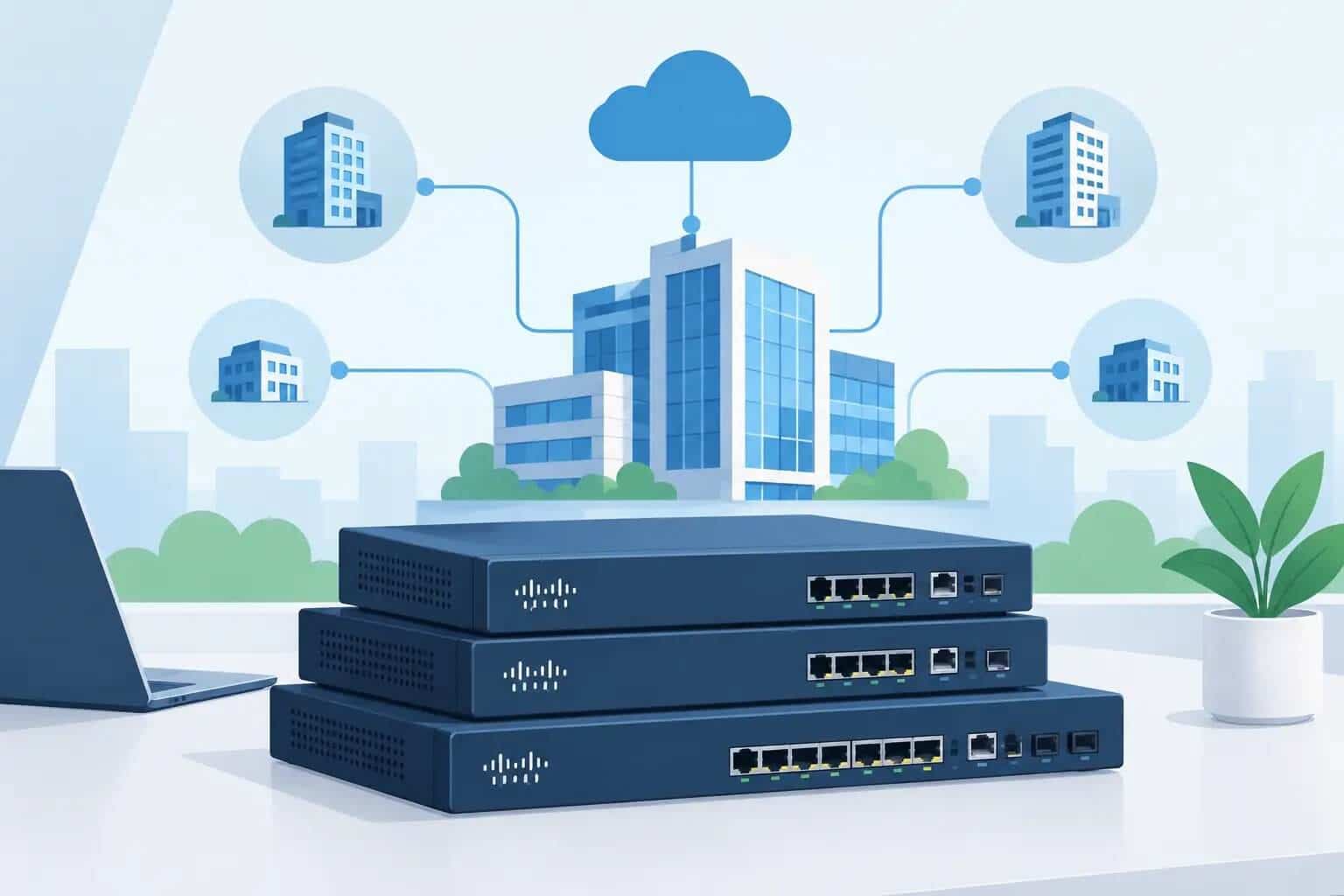
Aruba Instant On Is Now HPE: What SMBs Need to Know

Small businesses come in every shape and size, from boutique clothing stores and hotels to gourmet cafes and growing startups. Whatever the setting, indoor and outdoor Wi-Fi coverage should be simple to set up and strong enough to rely on.
That's exactly what Aruba Instant On delivers. This guide walks through the full lineup (access points, switches, and gateways), how management and security work, and how it compares with Cisco Meraki, so you can see whether it fits your business.
From Aruba Instant On to HPE Networking Instant On
HPE announced on May 2, 2024, that Aruba Instant On is now HPE Networking Instant On. The core principles stayed the same: simple, smart, and secure networking for small businesses, with the same Wi-Fi 6/6E access points, switches, and mobile app under the new name. That's why "Aruba Instant On" still gets thousands of searches every month.
At its core, Aruba Instant On is a cloud-managed networking line built for small businesses. It covers Wi-Fi access points, switches, and Secure Gateways, all managed from one mobile app or web portal. It's built to give small businesses the reliability larger companies expect, without the enterprise complexity.
Your wireless network shouldn't be one more thing competing for your attention.
Why Small Businesses Choose Aruba Instant On
Most small businesses don't have a dedicated network engineer. Aruba Instant On is designed around that reality: quick setup, routine changes you can handle yourself, and core management that doesn't come with an ongoing license bill.
Simple, App-Based Setup
According to HPE, setup takes a few clicks and no tech experience is needed. The Instant On mobile app walks you through adding devices, naming networks, and setting passwords.
For a solo administrator, that means one person can stand up a network, add a new access point or switch, and make routine changes without pulling in outside help. When the business adds a second location, it goes into the same account.
Security Included at No Extra Cost
Security is part of the package, not an add-on. Separating business and employee traffic from customer traffic, setting hours for Wi-Fi availability, and blocking specific sites or app categories all come standard. Cloud management for Instant On access points and switches requires no license fees or subscriptions.
The Aruba Instant On Product Lineup
The lineup is built from three hardware families that work as one connected system: access points for wireless coverage, switches for wired connections and power, and Secure Gateways at the network edge. All three are managed from the same app.
Access Points
Instant On offers free-standing or mounted indoor wireless access points and wall-mounted outdoor models built to withstand rain, snow, and summer heat. Current models support Wi-Fi 6 and Wi-Fi 6E. Smart Mesh lets several access points work together to extend coverage across a building or outdoor area.
Switches
The switch line is the wired backbone that pairs with the access points above, connecting and powering the devices your business runs on. We cover switches in more detail in the next section.
Gateways
HPE introduced the Instant On Secure Gateway line in May 2025 as a cybersecurity-focused addition to the lineup. The current models, the SG1004 and SG2505P, provide policy-based firewall, intrusion detection and prevention (IDS/IPS), site-to-site and remote VPN, and WAN resiliency across multiple internet connections.
Two things to note: HPE says some gateway features arrive through future software updates. Like the rest of the lineup, the gateways are set up and managed from the Instant On app or web portal at no additional cost.
Aruba Instant On Switches: What SMB IT Teams Should Know
Aruba Instant On switches add what access points alone can't: wired ports for desktops, printers, and point-of-sale terminals; Power over Ethernet (PoE) for access points, security cameras, and VoIP phones; and uplinks that tie multiple switches together as a site grows.
They're managed through the same app and cloud portal as the rest of the lineup, so there's nothing separate to learn. You see wired and wireless devices side by side, in one place.
PoE and Power Budget Considerations
Every PoE switch has a total power budget shared across all its powered ports. Each access point, camera, or phone you plug in draws from that shared pool, so it's worth adding up your devices before you choose a model.
On HPE's 1830, 1930, and 1960 Instant On switches, PoE models deliver up to 30 W per port to Class 4 devices such as access points, cameras, and VoIP phones. The 1960 series goes further, with up to 60 W per port for Class 6 devices such as pan-tilt-zoom cameras and video-enabled IP phones. On all three series, the switch automatically gives Instant On access points the highest power priority, so your Wi-Fi stays powered first.
When a switch runs short of power, it feeds ports in order of priority, highest first. If two ports share the same priority, the lower-numbered port is powered first, and devices further down the list may not get the power they need. Power limits vary widely by model (for example, 65 W on the 8-port 1830 and 600 W on the 48-port 1960), so check the figure for your switch on HPE's spec sheets before you buy.
How Aruba Instant On Management Works
Aruba Instant On is cloud-managed. There's no separate controller appliance to buy or maintain: you sign in once and manage every device on the account from the app or web portal.
The Mobile App and Web Portal
The same app manages access points, switches, and gateways together. If your business runs more than one location, each site is registered to your administrator account, and the app's Managed Sites page lets you move between them after a single login. HPE also delivers continuous software updates to keep performance and security current.
Smart Mesh Wi-Fi Coverage
Smart Mesh uses multiple access points that communicate with each other to blanket your entire business in one signal. It's a practical fix for dead zones in back offices, upper floors, or outdoor areas like patios, where running new cable isn't practical.
Security Features Built Into Every Deployment
Aruba Instant On includes a core set of security tools by default, not as an upsell. That's a real difference from enterprise Wi-Fi platforms, where security often comes as a paid add-on.
- Two-factor authentication (2FA) for admin logins, reducing the risk of compromised credentials
- Separate guest and employee networks, keeping customer traffic away from business systems
- Scheduled Wi-Fi availability, so networks are only on during the hours you set
- Site and app-category blocking, to keep the network focused on business use
These tools give you a strong baseline. As with any network, keeping firmware updated is part of staying secure.
Where Aruba Instant On Fits: Common SMB Use Cases
Aruba Instant On works best where a business needs reliable, secure connectivity without a full-time network team. Common scenarios include:
- Guest Wi-Fi alongside business systems: customer access on its own network, separate from internal traffic
- Indoor and outdoor coverage: one system for the main floor, back office, and outdoor areas
- Single-location offices: a small team with a part-time IT contact who needs to make quick changes
- Multi-site businesses: one login to manage every location
If you're planning a broader rollout, see our guide to small business networking.
Aruba Instant On vs. Cisco Meraki: Choosing the Right Fit
Both platforms are cloud-managed and app-friendly, and both work well for small teams. The right choice depends on your budget model and where your business is heading.
The biggest practical difference is licensing. Aruba Instant On access point and switch management requires no license fees or subscriptions.
With Cisco Meraki, every hardware device requires a cloud license to be managed. Meraki offers subscription, co-termination, and per-device licensing (per-device licensing is no longer available to customers switching to it in regions where subscription licensing is offered). If a co-term or per-device license expires, the equipment can no longer be configured and stops passing traffic to the internet. Meraki's newer subscription licensing is more forgiving: if you fall out of compliance, the network keeps passing traffic while you renew.
Where Meraki pulls ahead is headroom. Its dashboard and hardware range extend well beyond small-business scale, which matters if you expect to grow into larger or more complex deployments.
| Aruba Instant On | Cisco Meraki | |
|---|---|---|
| Management | Instant On app and web portal | Meraki dashboard |
| AP and switch licensing | No license fees or subscriptions | Cloud license required per device |
| If a license lapses | Not applicable | Co-term and per-device: network stops. Subscription: network keeps running while you renew. |
| Best fit | Small businesses and multi-site SMBs | Growing or enterprise-scale networks |
This isn't about one product beating the other. It's about matching the platform to where your business is today and where it's going.
Moving On From Meraki Go?
If you're running Meraki Go, Cisco ended the sale of the product on April 29, 2025. Cisco will support Meraki Go until July 30, 2027 (or sooner, depending on your warranty), and the Meraki Go web portal stays available until that date. Your existing devices keep working, but it's worth planning your move before the portal closes.
Cisco's official migration path points to licensed Meraki dashboard hardware such as the MR28, MR78, MX67, and MS130. If you'd rather avoid ongoing license fees for access point and switch management, Aruba Instant On is a strong alternative. Hummingbird Networks carries both product lines, so one account manager can give you a side-by-side recommendation.
FAQs
What happens to my Aruba Instant On network if the internet goes down?
Your Wi-Fi keeps running. Instant On access points keep their saved settings and keep broadcasting your networks during an internet outage. What pauses is the cloud side: you can't view or change settings from the app or web portal until the connection is back.
Does Aruba Instant On require a license or subscription?
No. HPE says Instant On access points, switches, and Secure Gateways are managed from the app or web portal with no license fees or subscriptions. That's one of the clearest differences from platforms that charge ongoing cloud-license fees.
Can I manage Aruba Instant On networks at multiple business locations from one account?
Yes. Aruba Instant On supports managing multiple sites from a single administrator account. After you log in, the app's Managed Sites page lists every site registered to your account.
Getting Started with Aruba Instant On for Your Business
Aruba Instant On is simple to deploy, secure by default, and manageable from one dashboard for every site. For a small IT team, that's a lot less to worry about.
At Hummingbird Networks, you get a dedicated account manager who can walk you through access points and switches together and help you choose the right setup for your business. We carry both Instant On and Cisco Meraki, so we can help you compare honestly.
Ready to plan your network? Contact Hummingbird Networks to talk through Aruba Instant On access points, switches, and gateways with your account manager.