Branch Office Connectivity Guide for IT Teams

Table of Contents
- Start With the Work the Branch Must Do
- Choose a WAN Design Based on Risk
- Select an Edge Platform That Matches Operations
- Segment the Branch Before It Becomes a Security Problem
- Design for Support, Not Just Installation
- Build a Procurement Plan That Prevents Delays
- A Practical Branch Office Connectivity Checklist
- FAQs
A branch office rarely fails because someone forgot to buy a switch. It fails when a single circuit outage stops point-of-sale systems, cloud apps lag during a busy shift, or remote users cannot reach the tools that keep work moving. This branch office connectivity guide focuses on the decisions that prevent those problems before hardware arrives.
For IT teams supporting 100 to 250 employees across several sites, the goal is not to create a data center at every branch. It is to give each location reliable access to applications, secure connectivity to corporate resources, and a recovery path when the primary connection fails. The right design also needs to fit the team's support capacity and refresh budget.
Start With the Work the Branch Must Do
Branch office connectivity requirements begin with business workflows, not bandwidth quotes. A retail site with cloud POS, guest Wi-Fi, cameras, and inventory scanners has different priorities than a manufacturing facility moving production data, or a professional services office running video meetings and SaaS applications.
Document what will break first if the branch loses internet access. List the applications that require low latency, the systems that can tolerate a brief interruption, and the devices that must remain isolated from one another. This turns a vague request for "better internet" into design requirements your team can evaluate.
Ask practical questions early. How many employees and devices will be active at peak times? Are voice, video, payment terminals, security cameras, or IoT devices in scope? Does the site need local access to corporate resources, or does nearly all traffic go directly to cloud services? Will staff need to work through an outage, or can the location pause safely for an hour?
A 100 Mbps circuit may be enough for one office and inadequate for another with the same headcount. Traffic patterns, application sensitivity, and recovery expectations matter more than a single bandwidth number.
Choose a WAN Design Based on Risk
Most branch connectivity designs combine a primary internet circuit with a secondary path. The details depend on the cost of downtime and the options available at the address.
Primary internet connection
Fiber is often the preferred primary connection because it generally offers predictable performance and room to grow. Cable broadband can be a practical fit for smaller offices where local service quality is proven. In rural or industrial locations, fixed wireless or dedicated wireless may be the realistic option.
Do not assume the advertised speed tells the whole story. Review service-level commitments, installation lead times, static IP availability, upstream capacity, and the provider's history at that location. A low-cost circuit with frequent brief outages can create far more support work than it saves.
Secondary connection and failover
A backup circuit should avoid the same failure path as the primary whenever possible. If both services share the same building entry or local provider infrastructure, an outside plant issue can take down both at once. Pairing fiber with cable or 5G/LTE often provides better diversity than buying two circuits from the same carrier.
Cellular is especially useful for rapid deployment and temporary continuity. It can keep payment terminals, email, essential cloud applications, and VPN access available during an outage. But it may not support a full office workload for long. Check signal strength, data caps, priority policies, and antenna needs before treating cellular as a complete substitute for a wired circuit.
Define what happens during failover. Some organizations allow all traffic to use the backup link. Others prioritize business-critical applications and limit guest Wi-Fi, large downloads, and software updates. This policy can make a modest backup connection useful when it matters most.
Select an Edge Platform That Matches Operations
The branch gateway or security appliance is where internet connections, traffic policy, VPN or SD-WAN functions, and firewall protection come together. The right platform should be sized for real-world security features, not just headline throughput.
Inspection, VPN encryption, content filtering, and intrusion prevention can materially reduce available performance. A device that looks sufficient on a product sheet may become a bottleneck once the features you actually need are enabled. Plan for expected growth, but avoid buying far beyond the branch's likely requirements.
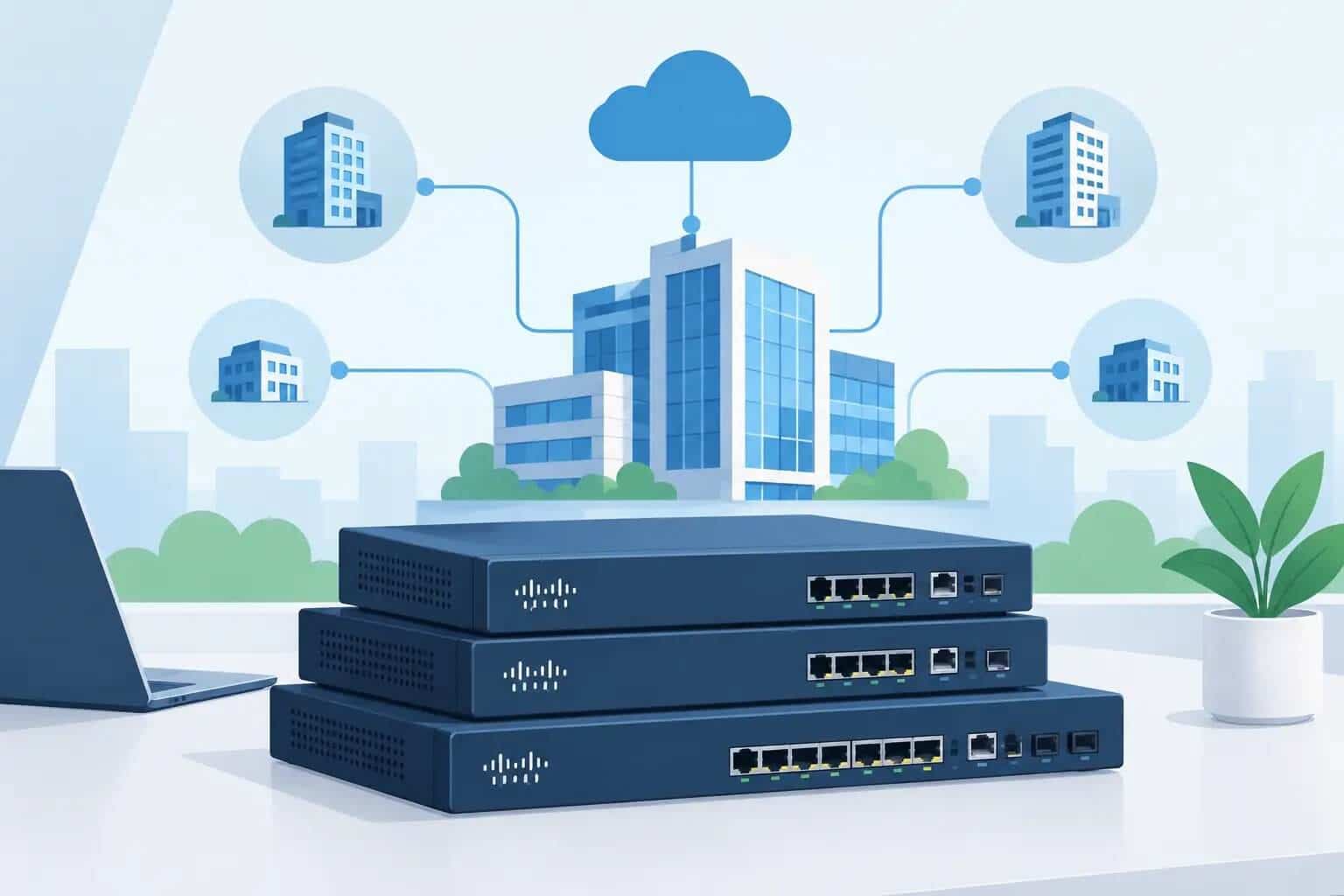
For organizations with limited IT staff, centralized cloud management can reduce the operational burden. It can provide consistent templates, visibility into circuit health, alerting, firmware management, and remote troubleshooting across locations. Cisco Meraki is often a practical option for teams that want this level of control without maintaining separate management infrastructure.
That convenience comes with a planning requirement: licensing needs to be understood before purchase. Confirm the license tier, term length, renewal process, and which security or management capabilities are included. Hardware, licenses, power supplies, mounting, and cellular accessories should be treated as one configuration, not separate shopping carts.
Segment the Branch Before It Becomes a Security Problem
A branch network should not place employee laptops, guest devices, cameras, payment systems, and building controls on one flat network. Segmentation limits the impact of a compromised device and makes troubleshooting less chaotic.
At a minimum, separate corporate users from guest access and operational devices. Manufacturing environments may need further separation for production equipment. Retail locations may require a distinct network for payment systems. The exact design depends on compliance obligations and application behavior, but the principle is consistent: devices with different trust levels should not have unrestricted access to each other.
Apply policies at the point where they are easiest to maintain. For a small branch, that may mean VLANs on the switch and firewall rules at the edge. Larger environments may add identity-based access controls and more detailed internal segmentation. More controls can improve security, but they also increase the chance of an overlooked dependency. Test business workflows before broad policy changes.
Wireless deserves the same discipline. Use separate SSIDs and network policies for employees, guests, and devices where appropriate. Perform a basic wireless assessment rather than placing access points only where cabling is convenient. Warehouse racks, concrete walls, break rooms, and conference spaces can change coverage dramatically.
Design for Support, Not Just Installation
A branch can look perfect on deployment day and still become difficult to operate. Build standardization into the design from the start. Reusing approved gateway, switch, access point, naming, and policy patterns makes the next site faster to deploy and easier to support.
Keep a clear record of circuit details, demarcation locations, provider contacts, IP addressing, VLAN assignments, equipment serial numbers, and escalation steps. During an outage, this documentation saves time that no monitoring dashboard can recover.
Monitoring should cover more than whether a device responds to a ping. Watch WAN loss and latency, cellular failover events, switch uplinks, wireless client health, and capacity trends. Alerts need owners and escalation rules. An alert sent to a shared mailbox with no response expectation is not an outage plan.
Before go-live, run a controlled failure test. Disconnect the primary circuit, confirm that failover occurs, and verify that critical applications work as expected. Test return-to-primary behavior too. This is where hidden DNS, routing, application, or policy issues tend to surface.
Build a Procurement Plan That Prevents Delays
Branch projects often stall on details that were considered minor: an incompatible optic, a missing rack kit, a license that was not included, or equipment that cannot be delivered in time for the circuit installation. Treat technical validation and procurement as part of the network design.
Create a bill of materials that includes the edge appliance, switching, wireless, licensing, power and mounting requirements, compatible transceivers or cables, and any cellular hardware. Confirm lead times against the branch opening or refresh schedule. If a site cannot tolerate a delayed deployment, consider approved alternatives before the project reaches a deadline.
This is also the point to compare lifecycle costs rather than unit prices alone. A lower-cost device that adds support complexity, cannot meet security requirements, or requires an early replacement is rarely the economical choice. Standardizing on a manageable platform can reduce ongoing labor even when the initial hardware price is higher.
For teams that need a second set of eyes, Hummingbird Networks can validate Cisco and Meraki configurations, licensing, and accessory requirements before an order is placed. Get a Quote when the bill of materials is ready, or ask to Validate My Configuration when the design still has open questions.
| Connectivity Area | What to Plan | Why It Matters |
|---|---|---|
| Primary Internet | Fiber, cable, fixed wireless, bandwidth and SLA | Provides dependable everyday connectivity |
| Backup Connection | Secondary ISP, 5G/LTE, path diversity | Keeps critical operations running during outages |
| Edge Platform | Firewall, VPN, SD-WAN, security inspection and capacity | Prevents the gateway from becoming a performance bottleneck |
| Segmentation | Corporate, guest, operational and payment networks | Limits unnecessary access and reduces security risk |
| Wireless | Coverage, SSIDs, client requirements and physical environment | Improves reliable connectivity throughout the branch |
| Monitoring | WAN health, latency, failover, uplinks and wireless clients | Helps IT identify and troubleshoot problems remotely |
| Procurement | Hardware, licensing, optics, power, mounting and lead times | Prevents missing components from delaying deployment |
A Practical Branch Office Connectivity Checklist
Before approving the design, confirm that the branch has a documented primary circuit, a tested backup path, and a clear policy for what remains available during failover. Confirm that gateway performance accounts for enabled security services, and that licenses match the intended management and protection features.
Also verify segmentation for corporate, guest, and operational devices; wireless coverage for the actual space; remote monitoring and alert ownership; and a complete bill of materials. Finally, schedule a failover test after installation and repeat it after meaningful network changes.
The best branch office connectivity network is usually the one nobody talks about because it keeps the location productive, stays within budget, and gives the IT team clear answers when something changes. Design around that standard, and the next branch becomes a repeatable deployment instead of another high-pressure exception.
FAQs
What does a branch office connectivity design need?
A branch typically needs a reliable primary connection, backup connectivity, an appropriately sized edge platform, network segmentation, wireless coverage, and remote monitoring.
Should a branch office have a backup internet connection?
A secondary connection can maintain critical applications during an outage, especially when it uses a different provider or failure path from the primary circuit.