Best Enterprise Network Equipment for SMBs

Table of Contents
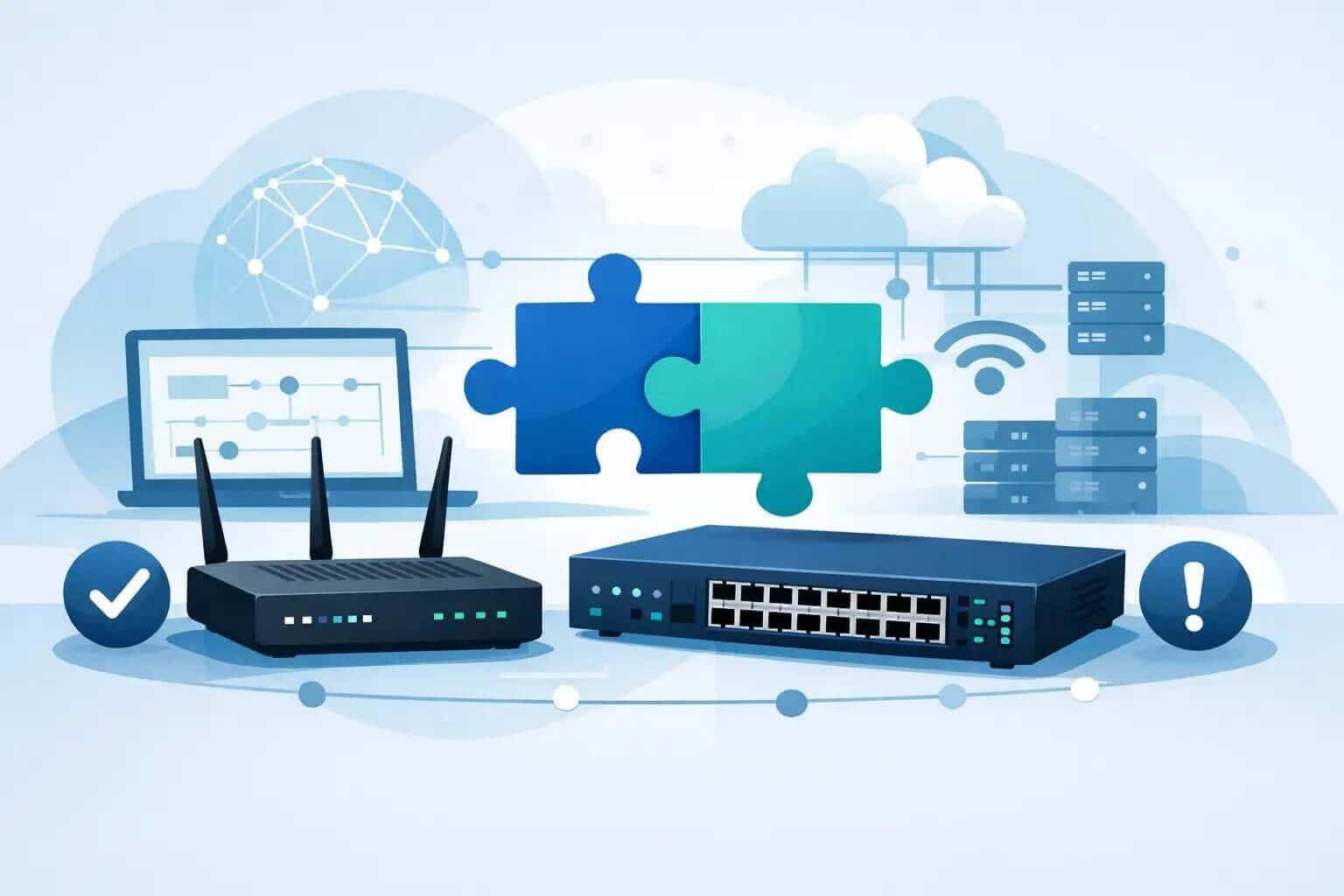
A network refresh usually looks simple on paper until one wrong switch model, licensing mismatch, or underpowered firewall slows the whole project down. For IT teams with limited time and less room for error, choosing the best enterprise network equipment is not about chasing a brand name. It is about getting reliable performance, clean compatibility, and enough headroom to avoid another emergency purchase six months later.
For most small and midsize businesses, the right answer is not the most expensive hardware in the catalog. It is the equipment that matches your environment, your growth plan, and your support model. A 120-person manufacturer with warehouse scanners and security cameras has very different needs than a 180-user professional services firm with hybrid staff and heavy video meetings. That is why smart buying starts with your use case, not a generic top-10 list.
What the best enterprise network equipment should actually do
Enterprise gear earns its place when it reduces risk. That means stable switching, wireless coverage that does not fall apart under load, security controls that are sized for real traffic, and management tools your team can actually use without babysitting them.
For US-based SMBs, the best enterprise network equipment usually needs to cover five basics well. It should support secure internet access, reliable LAN switching, business-grade Wi-Fi, segmentation for users and devices, and simple enough management that a small team can maintain it without spending every Friday night on firmware cleanup.
That sounds obvious, but this is where many purchases go sideways. Teams often buy for a single pain point, like weak Wi-Fi, while ignoring the firewall bottleneck or uplink limitations that will still hold performance back. Good network design is connected. Good procurement should be too.
Best enterprise network equipment by category
If you are evaluating a refresh or expansion, it helps to think in building blocks rather than product hype.
Switching
Your switches carry more long-term consequences than most teams expect. Port counts matter, but so do uplink speeds, power over Ethernet capacity, stacking options, and lifecycle support.
A basic access switch may be enough for office desktops and printers. It is not enough if you are feeding Wi-Fi 6E or Wi-Fi 7 access points, VoIP phones, badge readers, or camera systems. In those environments, limited power budgets create hidden constraints. You may have enough ports on paper and still not have enough usable capacity in practice.
For growing businesses, managed switches are usually the safer choice over lightly managed or unmanaged models. They give you VLAN support, visibility, policy control, and easier troubleshooting. That matters when a flat network starts becoming a security problem instead of a convenience.
Firewalls and security appliances
Firewalls are often undersized because teams buy against current internet speeds rather than real security throughput. Once you turn on advanced inspection, IPS, VPN, content controls, and new AI functionality, many appliances perform well below the number printed on the datasheet.
The better approach is to size for your likely traffic two to three years out, then account for security features you will actually enable. If your business depends on cloud apps, remote users, site-to-site connectivity, and layered inspection, a bargain firewall tends to become an expensive mistake.
There is also a management trade-off here. Some teams want deep policy control and granular tuning. Others want simpler administration with fewer moving parts. Neither is wrong. The right fit depends on whether you have internal security expertise or need a platform that is easier to operate day to day.
Wireless access points
Wi-Fi buying still gets reduced to square footage too often. Coverage matters, but capacity matters just as much. A retail location with guest traffic, point-of-sale systems, handheld devices, and back-office users is a different design challenge than a corporate office with predictable employee density.
The best wireless setups are built around device count, application behavior, physical layout, and interference sources. Warehouses, production floors, and older office buildings all create their own complications. More access points are not always better. Poor placement can create noise, overlap, and roaming issues that look like internet problems to users.
Cloud-managed wireless can make a lot of sense for lean IT teams because it reduces administrative overhead and improves visibility across sites. The trade-off is recurring licensing and less appetite for highly customized local control. For many SMBs, that trade is worth it.
Routing and SD-WAN
If your business has multiple sites, remote workers, or critical cloud applications, routing decisions deserve more attention than they usually get. Traditional branch connectivity can work fine, but as application traffic shifts to SaaS and public cloud, WAN design starts affecting user experience more directly.
SD-WAN can help prioritize critical applications, simplify branch deployment, and improve resilience. It is not automatically necessary for every company with two offices. But once you are juggling broadband, backup circuits, VPN performance, and cloud traffic visibility, it becomes far more relevant.
Network management and licensing
This is the category buyers tend to underestimate because it is less tangible than hardware. Yet management platform quality often determines whether your environment feels easy to run or constantly frustrating.
The best enterprise network equipment for a small IT team usually includes centralized visibility, alerting, configuration consistency, and straightforward licensing. If renewals are confusing, device support is fragmented, or the management layer is too hard to use, operational costs rise even if the acquisition cost looked attractive.
How to choose the best enterprise network equipment for your environment
Start with constraints. Budget matters, but downtime risk, internal skill set, site count, and expected growth matter just as much.
If your team is stretched thin, standardization usually beats mixing platforms to save a little upfront cost. A single ecosystem for switching, security, and wireless can reduce troubleshooting time and training overhead. The trade-off is that you may give up some flexibility or best-of-breed features in one category.
If your business has strict compliance requirements, sensitive client data, or segmented operational technology, security design should shape the buying decision early. That means looking beyond hardware specs into policy support, access control, logging, and lifecycle management.
If uptime is the biggest pressure point, focus on redundancy where it counts. That could mean stacked switches, dual power supplies, high-availability firewalls, or redundant ISP design. Not every site needs all of that. But every site should be evaluated based on what an hour of downtime actually costs the business.
A practical buying framework usually comes down to these questions:
- What devices and applications will this network support over the next 24 to 36 months?
- Where are the real failure points today - security, wireless, switching, WAN, or procurement delays?
- Does your team need deep control, or faster and simpler management?
- What level of support validation do you need before placing the order?
Those answers will usually narrow the field faster than any product comparison chart.
Common mistakes SMBs make when buying enterprise gear
The most common mistake is buying to fix today without planning for tomorrow. A switch that solves a port shortage but lacks uplink capacity is not a win. Neither is a firewall that handles current bandwidth but slows to a crawl once security policies expand.
Another frequent issue is treating licensing as an afterthought. Hardware, software subscriptions, support levels, and renewal terms should be validated together. Too many projects get delayed because the physical equipment arrives but the management or security licensing does not line up correctly.
There is also the reseller problem. Slow response times, vague configurations, and box-moving without technical validation create avoidable risk. For busy IT managers, the real value is not just getting equipment shipped. It is getting a configuration reviewed, compatibility checked, and pricing turned around quickly enough to keep the project moving.
That is one reason many teams prefer working with a partner that knows Cisco and Meraki environments well, can quote fast, and will flag issues before they become change orders. Hummingbird Networks has built around that reality for more than 20 years.
When premium enterprise gear is worth it
Not every network needs top-tier everything. But some environments should not compromise.
If you support revenue-critical operations, distributed sites, heavy wireless density, strict segmentation, or lean IT staffing, better equipment usually pays for itself through fewer outages and less time spent troubleshooting. The same goes for businesses nearing a refresh cycle where legacy hardware is creating support gaps or security concerns.
On the other hand, if a location is small, has limited device count, and minimal complexity, overbuilding can waste budget that would be better spent on security, support coverage, or core infrastructure.
The goal is not to buy the most equipment. It is to buy the right equipment once.
Get a Quote if you want help narrowing options. Validate your configuration if you already have a parts list and want a second look. Talk to a Strategist if you are trying to balance budget, speed, and long-term fit.
The best enterprise network equipment is the gear that lets your team stop worrying about preventable failures and get back to running the business.
FAQs
What is the best enterprise network equipment for small businesses?
The best enterprise network equipment for small businesses balances performance, security, scalability, and easy management.
Why is enterprise network equipment important?
Enterprise network equipment helps businesses maintain reliable connectivity, stronger security, and better network performance.