Choosing Network Switches for Your Organization

Table of Contents
Essential Considerations When Choosing a Network Switch
The following factors help determine the ideal device for your network:
1. Type of network
An unmanaged switch works for non-complex networks. Most have convenient features such as affordability and plug-and-play functionality. A managed switch is preferable if you operate a complex or evolving network. The default configuration allows virtual modifications to suit your needs.
You need network engineering skills to oversee crucial functions, such as port security, bandwidth allocation, and access control. An intelligent network switch provides a compromise between managed and unmanaged switches. Cloud-managed devices enable network management via intuitive online interfaces. It also allows additional options such as virtual networks (VLANs) and Quality of Service (QoS).
2. Data transfer rates and applications
The transfer speed of an ethernet switch depends on network requirements. 10Mbps to 1Gbps rates are manageable via RJ45 sockets. Modern corporate networks need standard data transfer speeds of 10Gbit/s. Fiber optic technology is preferable for large and long-distance data requirements of up to 100 GB/s.
This equipment utilizes SFP modules for efficient transfer rates. If you run data acquisition applications, a managed switch with dedicated ports is suitable for their sensors. Other vital network applications handle video surveillance, control systems, and backbone.
3. Power source and consumption
A PoE switch enables the electric powering of IP cameras, VoIP phones, and other connected devices through RJ45 ethernet cables. It eliminates the need for a separate power supply solution for your network equipment. Additionally, you can add an inverter to your setup to mitigate power outages.
It's essential to know your PoE budget before opting for this switch. This figure sums up the power needs of all devices on your network. A PoE switch's cooling capacity is essential to avoiding network disruption through excessive heating.
4. Number of ports
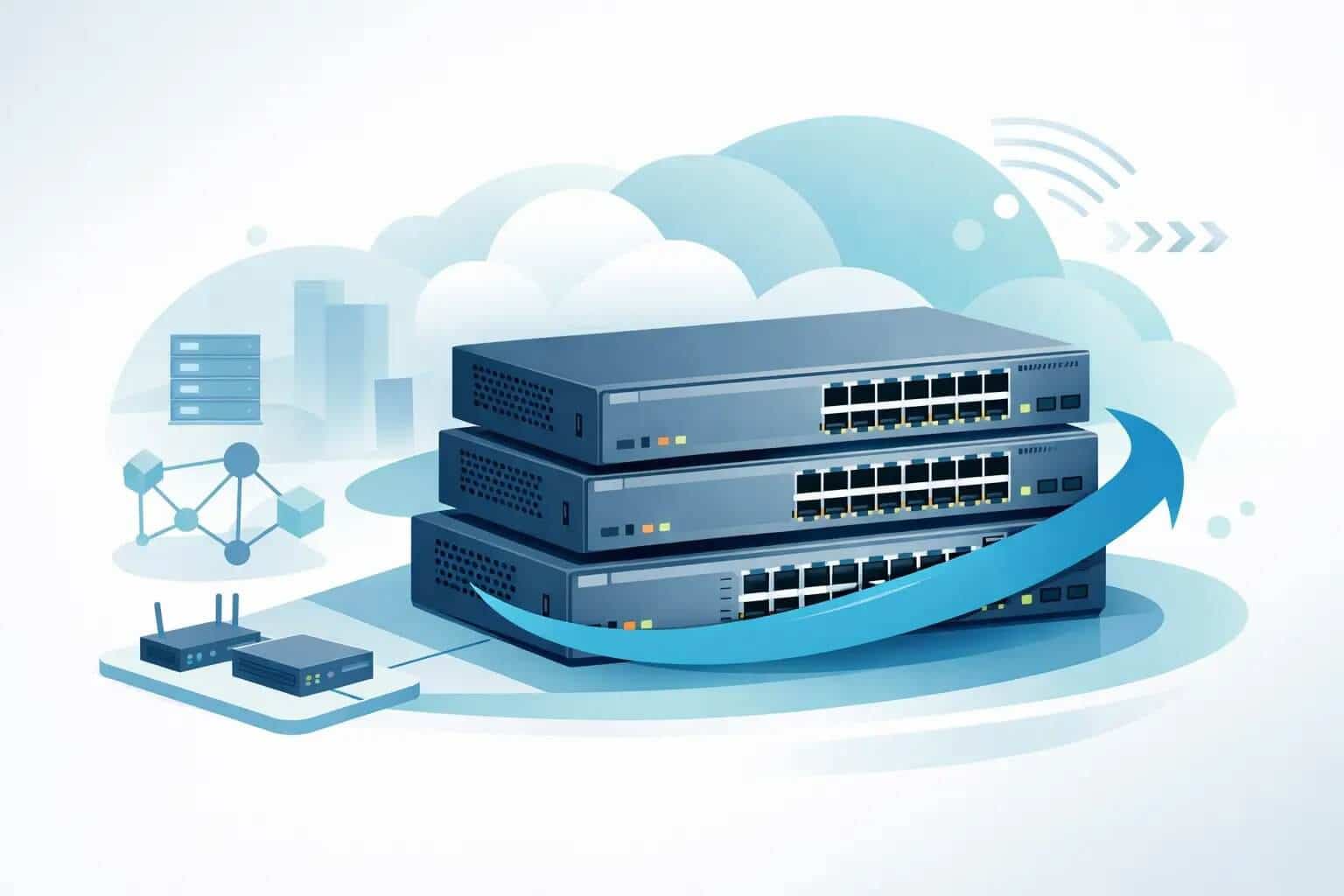
This figure is crucial because it determines how many devices can connect to your network. One network switch can have two to 64 ports. Determine how many devices you'll need before settling on the right switch. You can always resort to switch stacking if you add new devices in the future.
This feature enables the configuration of multiple switches to act as a single device. Switches in large networks easily integrate into racks that allow additional ports. The more devices a switch connects, the louder it tends to be.
Choosing network switches involves considering networking connectivity trends. One of them involves programmable networks, including Software-Defined Secure Networking (SDSN). This technology provides comprehensive network visibility to improve physical and virtual security. Its components include threat detection tools, unified policy management, and user intent-based policies.
Next-gen switches should also accommodate emerging technologies such as the Internet of Things (IoT). As more traditional appliances become internet-enabled, you'll need a compatible networking device. You can also opt for flexible Layer 3 network switches, which combine the functionalities of routers and switches. In addition to connecting devices on the same subnet, their intelligent IP routing results in efficient data packet management.
| Selection Factor | What to Consider | Why It Matters |
|---|---|---|
| Switch Type | Managed, unmanaged, smart, or cloud-managed switches | Determines network control and management complexity |
| Network Speed | Gigabit, multi-gigabit, 10GbE, and higher speeds | Supports application bandwidth requirements |
| Port Count | Current devices and future growth | Prevents connectivity limitations |
| Power over Ethernet (PoE) | Power needs of phones, APs, and cameras | Powers compatible devices through Ethernet |
| PoE Power Budget | Total wattage requirements | Prevents power shortages |
| Switch Stacking | Compatibility with stackable switches | Simplifies management and expansion |
| Layer 3 Capabilities | VLAN routing and IP routing features | Connects different network segments |
| Security Features | Port security, access controls, and monitoring | Protects connected devices |
| Scalability | Future devices, IoT, and upgrades | Reduces premature replacements |
Since 2004, Hummingbird Networks has been on a mission to provide premium IT solutions. Our affordable products and services increase convenience, productivity, and growth. Our passionate technicians and sales reps are always ready to assist with installation and maintenance. Place your order today to enjoy free shipping and same-day processing for eligible purchases. Choosing network switches, and the right ones for your organization has never been more seamless.
FAQs
What should you consider when choosing network switches?
Consider switch type, port count, network speed, PoE requirements, security features, management capabilities, and future scalability.
What is the difference between managed and unmanaged network switches?
Managed switches provide configuration, monitoring, and security controls, while unmanaged switches offer basic plug-and-play connectivity.