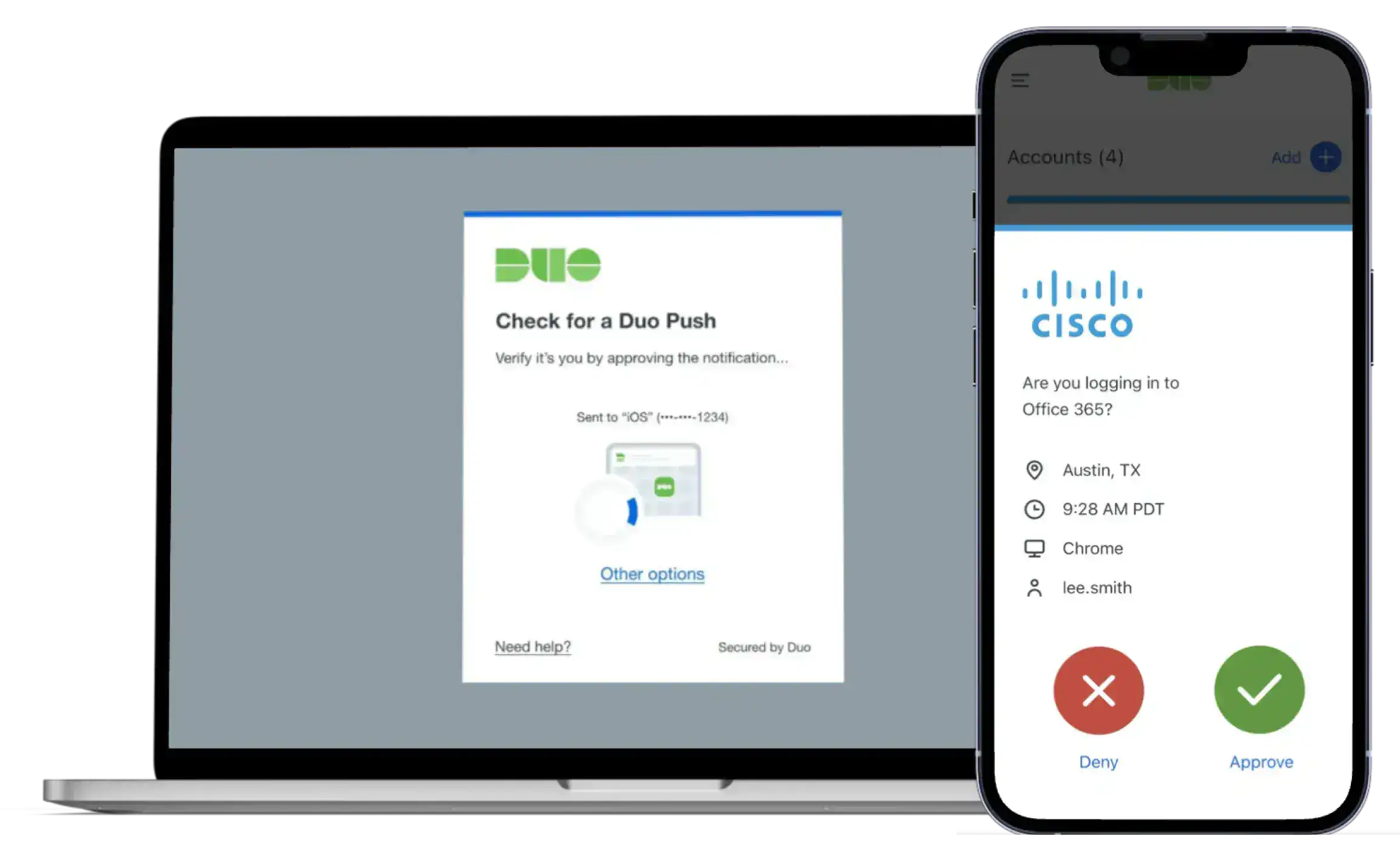
Cisco Duo Deployment: A Practical Plan for IT Teams

Table of Contents
- Start With the Access You Need to Protect
- Build the Identity Foundation Before You Enforce MFA
- Design Policies Around Risk, Not Just Convenience
- Validate Every Integration in a Test Group
- Roll Out in Waves and Communicate Like It Matters
- Plan for Operations After Go-Live
- Get the Configuration Right Before It Becomes a Problem
- FAQs
A rushed MFA rollout can create the very disruption it is meant to prevent: locked-out employees, help desk spikes, and executives asking why routine access suddenly takes longer. A well-planned Cisco Duo deployment avoids that outcome by treating identity, application access, and user adoption as one project - not three separate tasks.
For IT teams supporting 100 to 250 employees, the goal is straightforward: reduce the risk of compromised credentials without adding a daily burden to users or the administrators responsible for supporting them. The technical setup matters, but sequencing matters just as much.
Start With the Access You Need to Protect
Most teams begin with a list of applications. That is useful, but it is not enough. Start by identifying how users authenticate, where that authentication happens, and what happens if an account is compromised.
Prioritize remote access, administrative consoles, cloud productivity suites, finance systems, customer data platforms, and any application that uses a shared identity provider. VPN access and privileged accounts usually belong at the front of the line because they provide broad access to the environment.
Create a simple access inventory that records the application owner, authentication method, user population, integration type, and business impact. This becomes the rollout plan and prevents a common problem: deploying MFA to visible systems while leaving legacy remote access or admin tools outside the policy.
A few questions will clarify the scope quickly:
- Which systems accept passwords directly, and which rely on single sign-on?
- Where do employees work - office, home, retail locations, manufacturing floors, or all of the above?
- Which users need elevated access, and which accounts are shared, service-based, or noninteractive?
- Are contractors, seasonal staff, or managed service providers included in the same identity process?
The answers shape both the integration approach and the policy design. A professional services firm with a mostly cloud-based workforce may lead with its identity provider and VPN. A manufacturer may need more planning around shared workstations, shift changes, and devices that cannot reliably receive mobile prompts.
Build the Identity Foundation Before You Enforce MFA
Duo is most effective when its user and group data are accurate. Before enforcing policies, decide where the source of truth will live. For many organizations, that will be Microsoft Entra ID or Active Directory. The right choice depends on where identities are managed, how groups are maintained, and which applications need protection.
Review account hygiene before synchronization. Disable stale accounts, confirm department or role groups, and identify privileged accounts that need separate controls. If the directory is cluttered, MFA will expose that clutter quickly. It is better to resolve exceptions before employees encounter them during a login.
Group-based policy is usually easier to manage than one-off user exceptions. For example, you may define separate groups for standard employees, IT administrators, executives, contractors, and vendors. Those groups can then receive policies appropriate to their access level and risk profile.
Do not assume every account should use the same authentication method. Mobile push is convenient for most employees, but it may not work for a warehouse kiosk user without a company phone or for a contractor who cannot install an app. Plan acceptable alternatives such as passcodes, hardware tokens, or security keys where the business case supports them.
Design Policies Around Risk, Not Just Convenience
The fastest policy to deploy is often Require MFA for Everyone, Everywhere. It may also be the wrong policy. Overly broad rules can create friction for low-risk internal workflows, while weak rules leave high-value accounts exposed.
A better approach is to define a baseline policy and then apply stronger controls to higher-risk scenarios. Administrative accounts may require phishing-resistant authentication or device checks. Remote access may require MFA every time. Standard users accessing approved applications from managed devices may have a different experience, depending on your security requirements and Duo edition.
Be cautious with remembered-device settings. They can reduce repeat prompts, but they also extend the period in which a lost or compromised device may retain access. The right duration depends on device management, shared-device use, application sensitivity, and your organization’s tolerance for risk.
Also decide how you will handle offline situations and lost phones. Employees need a clear, documented path to regain access without waiting for a senior administrator. Help desk staff need authority and guardrails to assist them. That process is not a side detail - it is part of the security design.
Validate Every Integration in a Test Group
A Cisco Duo deployment should not begin with an organization-wide enforcement date. Start with a pilot group that includes IT staff and a few business users who can provide useful feedback. Test the actual workflows people use, not only a successful login from an administrator’s laptop.
For each integration, test normal sign-in, failed authentication, new-device enrollment, password reset, VPN access, mobile access, and lost-device recovery. If you use a SAML-based application, validate the sign-in flow from both the application side and the identity provider side. If you protect VPN or remote desktop access, test from external networks and on managed and unmanaged endpoints where applicable.
Pay particular attention to legacy applications. Some systems do not support modern authentication directly and may need a different integration pattern. Others rely on service accounts that should not be enrolled in MFA because they do not represent a human login. Treating service accounts like employee accounts can break scheduled jobs, integrations, and monitoring without warning.
Document the tested configuration as you go. Record the application, owner, policy, integration method, fallback process, and validation date. This gives the team a useful operating record when an application changes or a new administrator inherits the environment.
Roll Out in Waves and Communicate Like It Matters
Employees are more likely to accept MFA when they understand what will happen, when it will happen, and where to get help. A short announcement should explain the reason for the change, the enrollment deadline, the expected login experience, and the steps for users without a compatible mobile device.
Avoid sending one broad email and assuming the job is done. Enrollment communications should arrive before enforcement, with a reminder close to the deadline. Managers should know which teams are affected and whether shift workers or field staff need a different onboarding process.
A practical rollout often moves through three stages: pilot users, a department or lower-risk application wave, and broader enforcement. The pace should depend on support capacity and application criticality. If the IT team is small, rolling out too many applications at once can turn minor enrollment questions into a backlog.
Measure the rollout using signals that matter: enrollment completion, authentication failures, help desk ticket volume, failed integrations, and exception requests. A temporary increase in support tickets is normal. Repeated failures for the same department or application are a reason to pause and investigate, not push harder.
Plan for Operations After Go-Live
MFA is not a one-time project. New hires, offboarding, mobile-device changes, new applications, and evolving threats all affect how Duo should be managed.
Assign clear ownership for user enrollment, policy changes, application integrations, and audit reviews. In a small IT department, one person may own several of these functions, but the responsibilities should still be documented. Establish a review cadence for administrative accounts, inactive users, bypasses, and trusted-device settings.
Be especially careful with emergency bypass procedures. Every organization needs a path for a legitimate outage or a user who cannot authenticate, but bypasses should be time-limited, logged, and reviewed. A permanent exception created during a stressful support call is an easy way to weaken a carefully designed policy.
Licensing deserves the same attention as configuration. Duo capabilities vary by edition, and requirements can change as you add applications, device trust, or stronger authentication methods. Validate the feature set against your actual policy goals before purchasing or renewing, rather than selecting a license based only on user count.
Get the Configuration Right Before It Becomes a Problem
The value of Duo is clear: stolen passwords should not be enough to access your systems. Getting there takes disciplined identity cleanup, realistic policy choices, tested integrations, and a rollout that respects how your employees work.
If you are planning Cisco Duo deployment, expanding MFA to more applications, or reviewing Duo licensing, Hummingbird Networks can help validate the configuration, compatibility, and purchasing requirements before they create delays. Get a Quote or schedule a configuration review with a team that understands both the technology and the pressure of keeping business access running.
FAQs
What is Cisco Duo deployment?
Cisco Duo deployment involves integrating Duo multifactor authentication with business applications, identity providers, and remote-access systems to strengthen login security.
How do you deploy Cisco Duo MFA?
Start by assessing application access, preparing identity directories, configuring authentication policies, testing integrations, and gradually enforcing MFA across user groups.