Secure Guest WiFi Access Without Added Risk

Table of Contents
A guest asking for WiFi at reception should not create a ticket for your network team, a path into your internal systems, or an argument over who has the password. Secure guest WiFi access should be easy for visitors and deliberately limited for everyone else. The goal is not to make guest connectivity complicated. It is to keep it separate, visible, and manageable.
For a 100-person office, a retail location, or a manufacturing facility, guest WiFi can serve customers, contractors, job candidates, vendors, and temporary staff. That convenience has real operational value. But when the guest network shares too much with the corporate network, a simple courtesy becomes an unnecessary security and reliability risk.
Why Guest WiFi Becomes a Business Risk
Guest traffic is unpredictable. A visitor may connect a personal laptop that has not been patched in months. A contractor may bring devices you do not manage. A customer may use significant bandwidth during a busy period. None of that is automatically malicious, but none of it belongs on the same network segment as employee workstations, printers, file servers, cameras, industrial equipment, or payment systems.
The common failure is treating a guest SSID as sufficient security. A different network name and password do not necessarily create real separation. If the wireless configuration, switching environment, firewall policy, or VLAN design allows guest devices to reach internal resources, the guest network is only cosmetically separate.
A second problem is operational. Shared passwords get written on whiteboards, copied into email threads, and retained long after an event or contractor engagement ends. When the password changes, front-desk staff and IT teams are left managing avoidable disruption.
The right design gives visitors a straightforward connection process while giving IT a clear answer to three questions: Where can guest traffic go? How much can it consume? What evidence is available if something goes wrong?
Secure Guest WiFi Access Starts With Segmentation
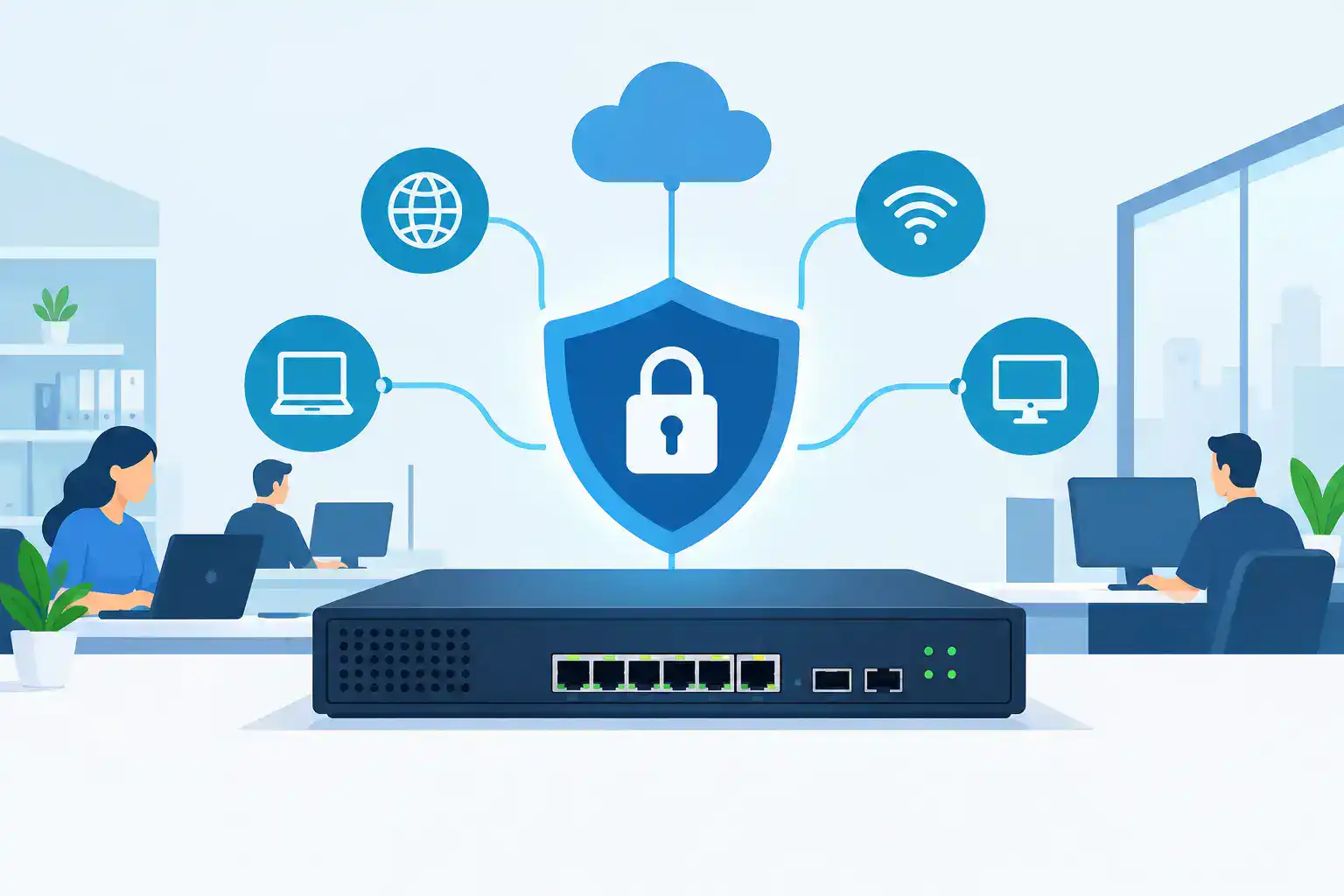
The most important control is network segmentation. Guest devices should reside on a dedicated guest VLAN or equivalent isolated network, with firewall rules that explicitly prevent access to internal address ranges and business services.
That policy should cover more than the obvious server subnet. Review all assets that guests should not reach, including printers, VoIP systems, network management interfaces, building systems, surveillance cameras, point-of-sale devices, and wireless controller management networks. In manufacturing environments, separation from operational technology deserves especially careful validation.
Guest devices generally need DNS, DHCP, and internet access. They do not need lateral access to other guest devices or any route to the corporate LAN. Client isolation prevents one guest device from discovering or directly communicating with another. It reduces exposure in places where many unknown devices connect, such as waiting areas, conference rooms, retail floors, and training spaces.
Segmentation also protects performance. A separate policy lets you apply bandwidth limits, traffic shaping, and content controls to guest use without interfering with line-of-business applications. The exact limit depends on your connection capacity and user mix. A professional-services office hosting occasional visitors needs a different policy than a retail location with constant customer traffic.
Validate the Entire Traffic Path
A guest VLAN can look correct in a wireless dashboard and still fail in practice because of an upstream switch configuration or a permissive firewall rule. Test from a real guest device after implementation.
Confirm that the device receives an appropriate guest address, can browse approved internet destinations, and cannot access internal web portals, printers, file shares, or private IP ranges. Test both wired and wireless paths if conference rooms or public areas have Ethernet ports available. Document the result so future changes do not quietly reverse the intended isolation.
Choose Authentication That Fits the Environment
There is no single guest authentication model that fits every business. The best choice balances visitor convenience, security requirements, support workload, and the kind of records your organization needs to retain.
A simple captive portal with terms acceptance can work for low-risk public access, particularly when traffic is tightly segmented and rate-limited. It is easy to administer, but it provides limited accountability. If abuse occurs, the available information may be minimal.
Voucher-based or time-limited access is a practical middle ground. A receptionist, event coordinator, or sponsor can issue credentials that expire after a defined period. This avoids a permanent shared password and gives staff a way to manage access without handing network administration to every employee.
For organizations with frequent contractors, vendors, or regulated workflows, sponsored access may be the better model. A designated employee approves the visitor, and access is associated with a name, email address, phone number, or sponsor. This creates more useful records, though it adds process and may slow down arrival if approvals are not well defined.
Using a pre-shared key is not automatically wrong. For a small, low-risk office, a rotating password may be proportionate to the risk. But it should be unique to the guest network, changed on a schedule and after sensitive events, and never reused for employee WiFi. If staff must constantly distribute and reset it, the operational cost is a signal that time-limited access is a better fit.
Set Policies Before Guests Need Them
Guest WiFi works best when the policy decisions are made before a busy event, a vendor visit, or a support issue. Define who can authorize access, how long access lasts, whether sponsorship is required, and what happens when someone needs an exception.
A clear acceptable-use page can set expectations without turning a WiFi login into a legal document no one reads. It should plainly state that the network is for authorized internet use, may be monitored, and cannot be used to access company systems. Have legal or compliance teams review language when your industry requires it.
The technical policies deserve the same clarity. Establish sensible limits for bandwidth, device counts, and session duration. Block categories or destinations only when they address a real business, safety, or compliance concern. Excessive filtering can generate help desk tickets and frustrate legitimate visitors, while no controls at all can allow a single device to affect everyone nearby.
For guest networks used during client meetings, prioritize predictability. It may be better to reserve enough bandwidth for video conferencing and presentations than to offer unrestricted speed to every device. For public-facing retail WiFi, simple onboarding and a fair per-client limit may matter more.
Monitor Guest Access Without Creating Busywork
Guest access should not become a new full-time monitoring project for a small IT team. It does need enough visibility to identify unusual usage, troubleshoot complaints, and investigate security events.
At minimum, retain connection records, assigned addresses, session times, access method, and relevant firewall or security events according to your organization’s retention requirements. Centralized logging is helpful when incidents cross systems, but the scope should be realistic for your environment and staffing.
Set alerts for conditions that merit action, not every minor fluctuation. Sudden bandwidth saturation, repeated authentication failures, rogue access points, unusual outbound traffic, or attempts to reach internal subnets are worth investigating. Routine guest browsing is not.
Review utilization after major events and during known busy periods. If employees report poor application performance whenever the lobby is full, the fix may be a bandwidth policy, additional access point capacity, or a WAN upgrade. Security and performance are closely connected here. A poorly designed guest service can affect both.
Keep Network Equipment and Policies Current
Guest isolation depends on more than the initial configuration. Wireless access points, switches, firewalls, and cloud management platforms need current software, supported licenses, and secure administrative access. Old hardware can limit the security features available to you and make troubleshooting harder when configurations change.
Configuration standards help prevent drift across multiple locations. Use consistent SSID naming, VLAN assignments, firewall templates, authentication settings, and documentation. A location may need local adjustments, but those exceptions should be intentional and recorded.
Before a refresh or new-site deployment, validate that the selected wireless platform supports the guest portal, identity options, traffic controls, and reporting your team actually needs. Buying access points first and designing the guest experience later is a reliable way to create rework.
| Security Component | Recommended Configuration | Why It Matters |
|---|---|---|
| Network Segmentation | Use a dedicated guest VLAN or equivalent isolated network | Prevents guests from accessing corporate network resources |
| Firewall Rules | Block access to internal IP ranges, servers, printers, and management interfaces | Protects sensitive business systems |
| Client Isolation | Prevent direct communication between guest devices | Reduces security risks from unmanaged personal devices |
| Guest Authentication | Use captive portals, vouchers, rotating passwords, or sponsored access | Controls how visitors connect to the network |
| Bandwidth Management | Apply per-client bandwidth limits and traffic-shaping policies | Prevents guest traffic from affecting business applications |
| Access Expiration | Configure time-limited credentials or session durations | Reduces the risk of unauthorized long-term access |
| Network Monitoring | Track connections, authentication events, and unusual traffic | Helps IT teams identify security and performance issues |
| Configuration Maintenance | Review firewall policies, firmware, licensing, and access settings | Keeps guest network security consistent over time |
Build for the Visitor Experience You Actually Have
The strongest guest WiFi design is not necessarily the one with the most controls. It is the one that applies appropriate controls without creating friction your staff cannot support.
A private office with a few visitors each week may need isolated internet access and a rotating guest credential. A regional business with multiple offices, contractors, and regular customer events may benefit from centrally managed sponsored access and consistent policy templates. A retailer or public venue may need easy self-service onboarding, client isolation, bandwidth limits, and enough wireless capacity to handle peak foot traffic.
The same principle applies to high-security sites. If visitor access is prohibited in certain areas, enforce that through physical placement, RF design, and network policy rather than relying on a sign asking people not to connect.
A configuration review before rollout can catch expensive mistakes: an SSID mapped to the wrong VLAN, inadequate access point density, missing firewall rules, an unsupported licensing assumption, or hardware that cannot deliver the intended policy. Those checks are faster than untangling an outage after opening day.
Hummingbird Networks helps IT teams validate Cisco and Meraki configurations before equipment is ordered, so the guest network design, hardware, licenses, and deployment plan line up from the start. When a small team is already balancing uptime, security, and a refresh schedule, that validation can remove a meaningful source of project risk.
Secure guest WiFi access should let visitors get online without giving them a seat inside your business network. If your current design relies on a shared password and assumptions about isolation, schedule a configuration review before the next expansion, refresh, or high-traffic event.
FAQs
What is secure guest WiFi access?
Secure guest WiFi access provides visitors with internet connectivity while restricting access to internal business networks, sensitive systems, and other guest devices.
How do you secure a guest WiFi network?
Secure a guest WiFi network by using network segmentation, firewall rules, client isolation, appropriate authentication, bandwidth limits, and regular monitoring.