Top Network Security Appliances for SMB IT Teams

Table of Contents
- What Makes Top Network Security Appliances Worth Buying?
- Top Network Security Appliances by Business Need
- How to Compare Appliances Without Getting Burned by Specs
- Licensing Is Part of the Appliance, Not an Add-On
- Plan the Deployment Before the Purchase Order
- A Better Buying Process for Lean IT Teams
- FAQs
A firewall that looked fine on a sizing sheet can become a bottleneck the moment VPN traffic, cloud applications, and security inspection are turned on. For IT teams supporting 100 to 250 employees, choosing from the top network security appliances is less about chasing the longest feature list and more about preventing downtime, controlling complexity, and buying a platform your team can actually manage.
The right appliance should fit the way your business operates: how many sites you support, where users work, which applications matter, and how much time your IT team has to investigate alerts. That is why a branch office, a manufacturing floor, and a professional services firm may all make different choices with the same budget.
What Makes Top Network Security Appliances Worth Buying?
A network security appliance sits between your users and the internet, enforcing access policies while inspecting traffic for threats. Most modern platforms combine firewalling, VPN connectivity, intrusion prevention, web filtering, malware protection, and application controls in one appliance.
That description can make competing products sound interchangeable. They are not. The practical differences show up after deployment: how easily you can set policies across sites, whether security features reduce actual risk, how licensing is handled, and whether performance holds up with protection enabled.
For a small IT team, the best platform is usually the one that gives you clear visibility and repeatable controls without requiring a full-time security specialist to keep it useful.
Top Network Security Appliances by Business Need
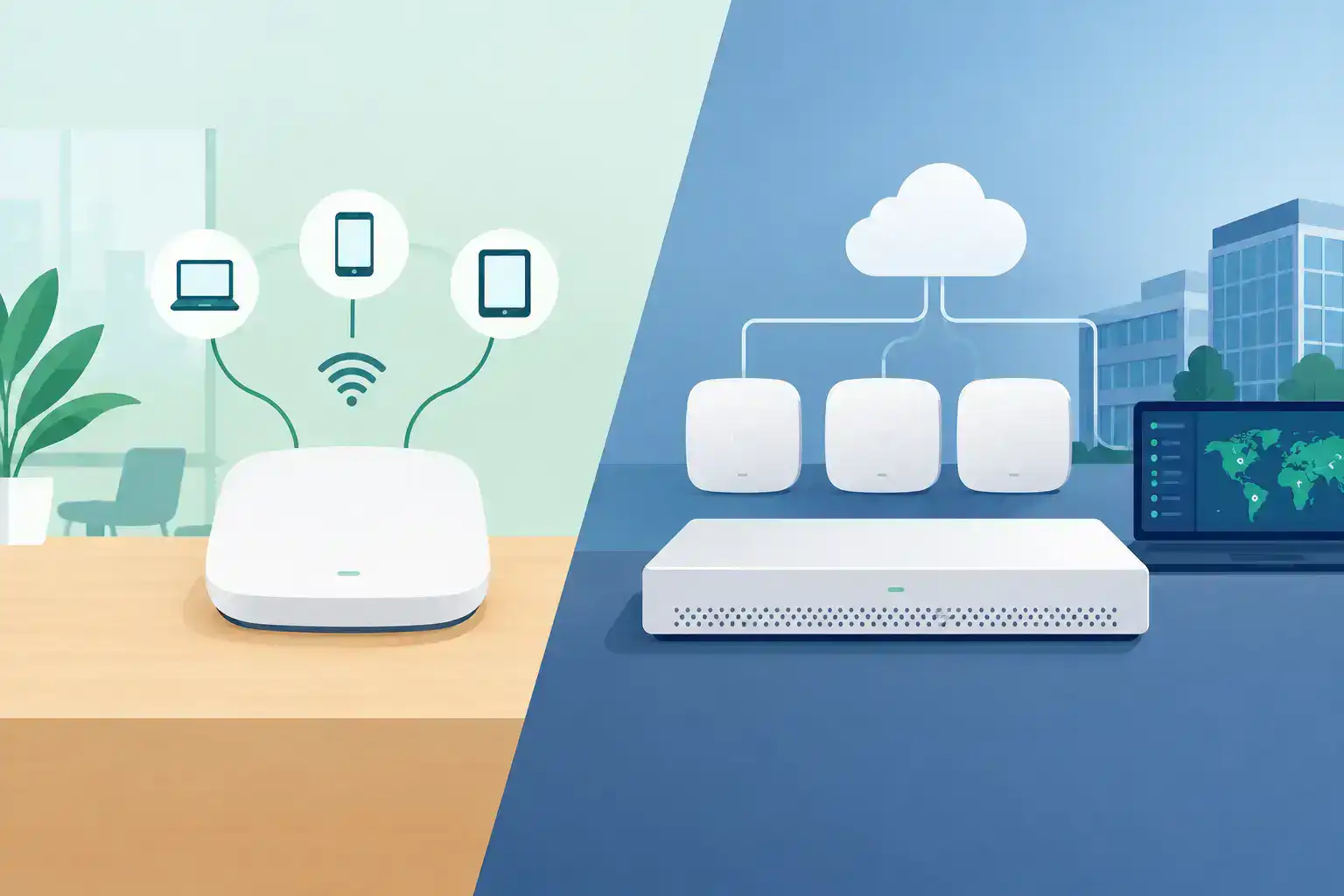
Rather than naming one winner for every environment, start with the operating model you need. Cisco Meraki MX and Cisco Secure Firewall are common choices for SMB and midmarket organizations, but they solve different problems.
Cloud-managed security for distributed teams: Cisco Meraki MX
Cisco Meraki MX appliances are a strong fit when simple, centralized administration is the priority. They are especially practical for retail locations, small branch offices, professional services firms, and organizations with lean IT teams supporting multiple sites.
Management happens through a cloud dashboard, which allows administrators to configure firewall rules, VPN connections, content filtering, traffic shaping, and alerts from one place. For an organization opening locations or supporting hybrid workers, that consistency can reduce configuration drift and shorten deployment time.
Meraki MX is not automatically the right answer for every network. Advanced security functionality depends on the subscription tier, and licensing needs to be included in the budget from the start. It is also important to size the appliance for security throughput, not just basic firewall throughput. Turning on intrusion prevention, malware scanning, and content filtering changes real-world performance.
Deeper policy control and security inspection: Cisco Secure Firewall
Cisco Secure Firewall appliances are better suited to environments that need more granular security policies, deeper inspection, or greater control over traffic segmentation. Manufacturing operations, technology companies handling sensitive customer information, and organizations with more demanding compliance requirements may prefer this approach.
These appliances can support advanced threat defense and detailed controls across applications, users, and network zones. They make sense when an IT team needs to separate operational technology, guest access, corporate users, servers, and third-party connections with deliberate policy design.
The trade-off is administrative overhead. A Secure Firewall deployment benefits from careful rule planning, software compatibility checks, and ongoing policy review. That work is worthwhile when risk and network complexity justify it. It can be excessive when a small branch only needs reliable internet access, VPN, and standard web protection.
Secure SD-WAN for multi-site operations
For businesses with several offices, warehouses, stores, or field locations, security and WAN design should be considered together. An appliance that supports secure SD-WAN can use multiple internet links intelligently, prioritize critical applications, and maintain encrypted site-to-site connectivity.
This is particularly helpful when a location depends on cloud phone systems, point-of-sale applications, ERP access, or video traffic. A cheaper appliance may establish a VPN tunnel, but it may not provide the visibility or path selection needed when one ISP degrades during business hours.
Meraki MX often appeals to teams that want this outcome with centralized visibility. Cisco Secure Firewall may be the better fit where traffic inspection and segmentation requirements carry more weight. The answer depends on whether operational simplicity or policy depth is the larger need.
How to Compare Appliances Without Getting Burned by Specs
Security appliance datasheets can be misleading if you compare only the largest throughput number. Vendors commonly publish separate figures for firewall throughput, VPN throughput, threat inspection, and application control. The number that matters is the expected performance with the protections you intend to enable.
Use these four questions during evaluation:
- How much protected throughput do we need? Account for internet bandwidth, peak usage, encrypted traffic, remote users, and planned growth over the next three to five years.
- How many sites, VLANs, and VPN connections will this support? A single-office design is different from a network with ten branches and remote workers.
- Which security services are actually required? Consider intrusion prevention, web filtering, malware protection, DNS security, identity-based policy, and logging requirements.
- Who will manage it after go-live? A powerful platform is not a value if it requires skills, monitoring time, or third-party tools your team does not have.
Avoid buying based on ports alone. Port count matters, but a security appliance is not just a switch. Inspecting encrypted traffic, supporting high-availability pairs, running VPN tunnels, and sending logs all consume resources.
Licensing Is Part of the Appliance, Not an Add-On
A common procurement mistake is approving hardware first and discovering later that the required security or management license changes the project cost. With cloud-managed platforms, licensing is essential to continued management and features. With advanced firewall platforms, subscription bundles can determine which threat intelligence, inspection, and support capabilities are available.
Ask for a quote that separates hardware, licensing, support, accessories, and any needed power or optics. That makes comparison easier and prevents a low hardware price from hiding an incomplete configuration.
Also confirm the term length. A one-year subscription may lower the initial purchase price but create a renewal issue sooner than a three- or five-year term. There is no universal right term, but it should match your budget cycle and expected refresh timeline.
Plan the Deployment Before the Purchase Order
The appliance is only one part of the security outcome. Before ordering, document internet circuits, static IP requirements, existing VPNs, VLANs, authentication sources, wireless networks, and critical applications. If you are replacing a firewall, review current rules rather than moving every legacy rule into the new platform.
This is also the right time to decide whether you need high availability. For a headquarters, distribution center, or site where an outage immediately stops revenue, a second appliance may be justified. For a small satellite office, a secondary internet connection or cellular failover may be the more sensible investment.
Compatibility matters beyond the firewall itself. Confirm software versions, transceiver requirements, switch uplinks, rack space, power availability, and the licensing model before equipment ships. These details are where avoidable project delays tend to start.
A Better Buying Process for Lean IT Teams
The most reliable purchasing process starts with requirements, not a model number. Share the number of users and sites, internet speeds, WAN connections, current hardware, remote-access needs, and the security services you expect to use. A qualified technical review should turn that information into a complete bill of materials and explain the sizing assumptions behind it.
For Cisco and Meraki environments, Hummingbird Networks can help validate configurations before an order is placed, including licensing and compatible components. That extra review is useful when a project has a firm deadline or when the person placing the order will also be responsible for making the network work on day one.
Get a Quote when you have a defined requirement, or Validate My Configuration if you have a proposed appliance and want a second set of technical eyes on it.
The right security appliance should give your team fewer surprises: clear policies, realistic performance, manageable licensing, and a path to grow without a rushed replacement. That is a better outcome than simply buying the most expensive firewall on the list.
FAQs
What are the top network security appliances for businesses?
Cisco Meraki MX and Cisco Secure Firewall are strong options for SMB and midmarket businesses, depending on their security, management, and network requirements.
What is a network security appliance?
A network security appliance is a hardware or virtual solution that protects business networks through firewall policies, traffic inspection, VPN connectivity, and threat prevention.