What Is Zero Trust Security? A Practical Guide

Table of Contents
A user signs in from a familiar laptop, opens a business application, and appears legitimate. That does not mean the session is safe. Stolen credentials, unmanaged devices, and compromised accounts can all look normal at first glance. What is zero trust security? It is a security model built for that reality: verify every access request, limit what each identity can reach, and continue checking for risk.
For a small IT team, zero trust is not about buying another security platform or rebuilding the entire network overnight. It is a practical way to reduce the damage a single bad password, phishing click, or infected endpoint can cause.
What Is Zero Trust Security in Practice?
Traditional network security often assumes that users and devices inside the corporate network are more trustworthy than those outside it. A firewall protects the perimeter, employees connect through a VPN, and broad access is granted once they are "inside." That model worked better when applications, users, and data stayed in one office or data center.
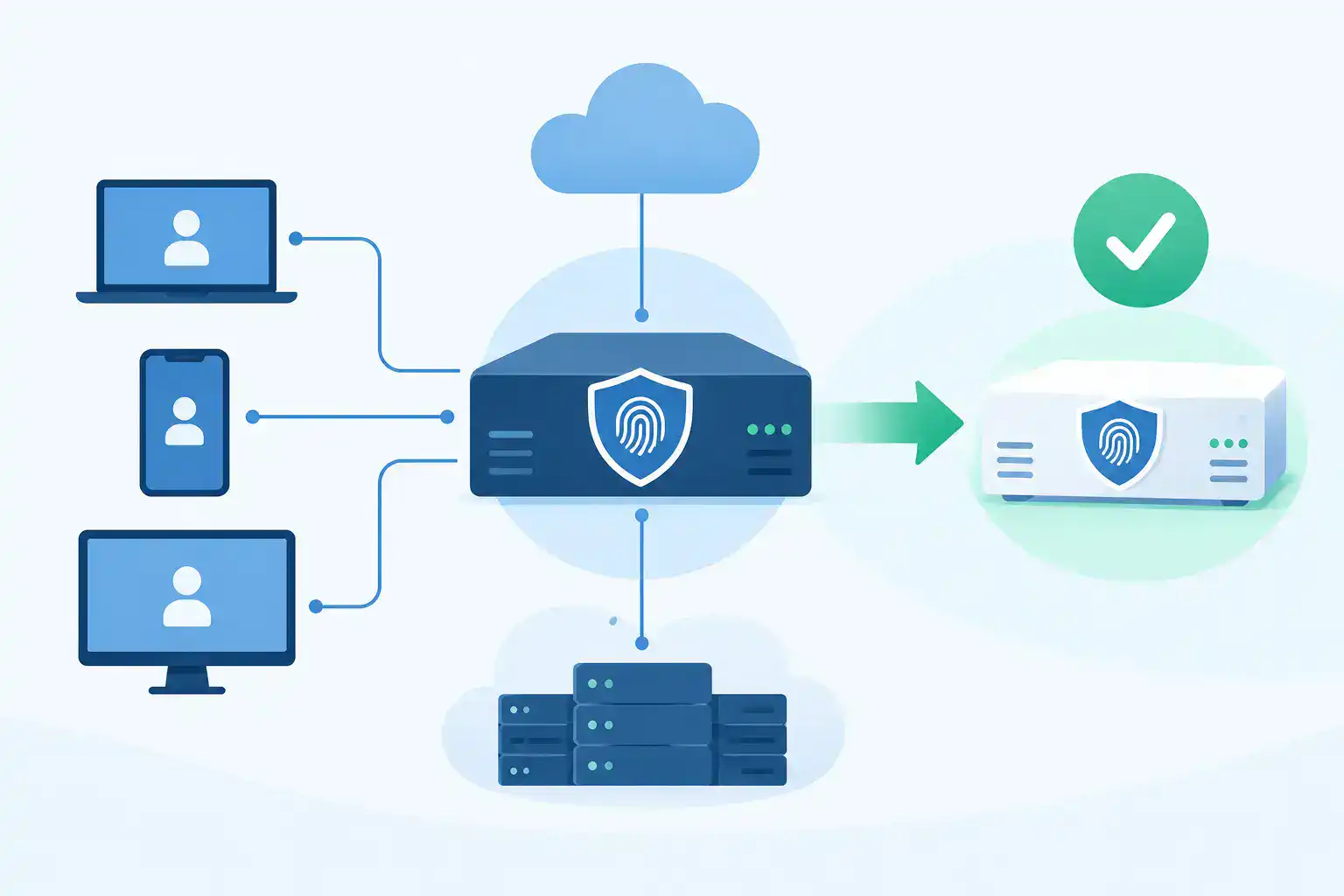
Zero trust removes the assumption that location equals trust. Whether an employee is in the office, at home, on a warehouse floor, or connected through a guest network, access should be earned based on context. The system asks questions such as: Who is requesting access? Is multifactor authentication complete? Is the device managed and current? Does this person need this application or data right now?
The goal is not to distrust employees. The goal is to make a compromised identity far less useful to an attacker.
Zero trust is usually described through three operating principles:
- Verify explicitly. Use identity, device health, location, application sensitivity, and other signals to evaluate access.
- Use least-privilege access. Give users only the access they need, for only as long as they need it.
- Assume breach. Design controls as if an attacker may already have a foothold, then limit lateral movement and detect unusual behavior quickly.
These principles apply across the network, cloud applications, endpoints, and data. They are a strategy, not a single product category.
Why Zero Trust Security Matters for SMB IT Teams
Businesses with 100 to 250 employees often have the same exposure points as much larger organizations, but fewer people available to monitor them. Remote work, software-as-a-service applications, third-party contractors, mobile devices, and branch locations all expand the number of paths into the environment.
A flat network makes that problem worse. If a phishing attack compromises one user account or endpoint, an attacker may be able to scan systems, reach file shares, or move toward more valuable systems. In manufacturing, that could affect operational technology. In retail, it could expose payment-related systems. In professional services, it could put client files at risk.
Zero trust narrows those paths. A compromised account should not automatically gain access to finance systems, network infrastructure, administrative tools, or sensitive customer data. That reduction in blast radius is often the most practical reason to adopt it.
It also helps IT teams make access decisions more consistent. Instead of relying on informal exceptions and broad network permissions, policies can define who can access which resources, from which devices, under what conditions.
The Building Blocks of a Zero Trust Approach
A zero trust program works when its controls reinforce one another. Identity is usually the starting point, because most access begins with a user, service account, or administrator account.
Identity and authentication
Strong identity controls include multifactor authentication, single sign-on where appropriate, role-based access, and regular reviews of user privileges. Administrative accounts deserve extra attention. Admin access should be separate from standard user access, tightly scoped, and monitored.
MFA alone is not zero trust, but it is a high-value first step. Without it, a password obtained through phishing or reuse can be enough to open the door.
Device posture
A valid user on an unmanaged or infected device still presents risk. Device posture checks help confirm that a laptop or mobile device meets defined requirements, such as encryption, endpoint protection, current operating system updates, and approved management status.
The right policy depends on the resource. Accessing a public-facing website does not need the same controls as accessing payroll, customer records, or network administration tools. Overly strict policies can create workarounds, which introduces a different security problem.
Network segmentation
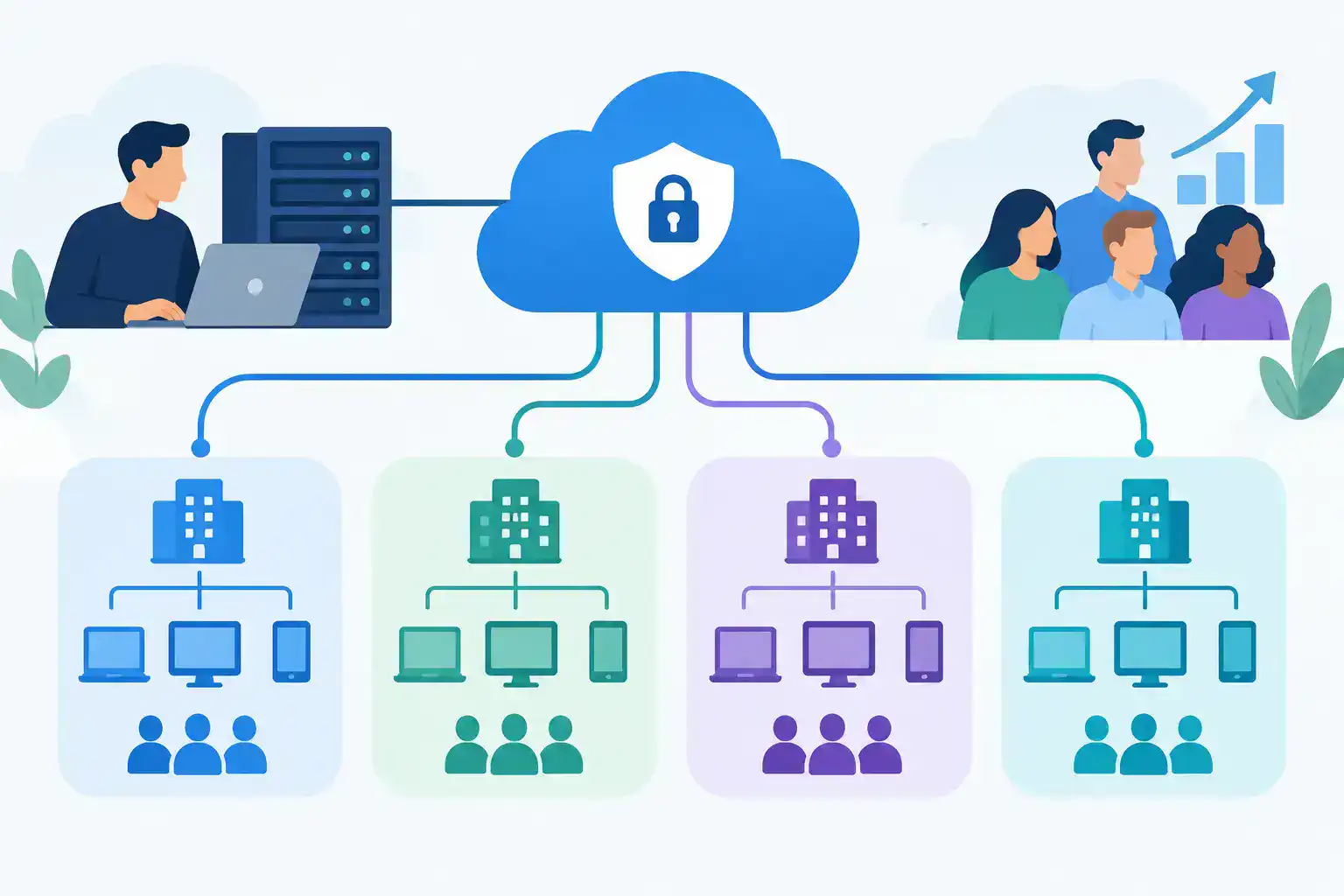
Segmentation divides the network into smaller zones and controls traffic between them. This is especially useful for organizations with servers, voice systems, guest Wi-Fi, point-of-sale devices, production equipment, or Internet of Things devices on the same broader network.
A user on a corporate wireless network may need access to business applications, but not direct access to switch management interfaces or an isolated production segment. Similarly, a guest device should have internet access without visibility into internal resources.
Segmentation does not need to begin with dozens of complex rules. Start by separating high-risk or high-value systems, then tighten policies based on real traffic patterns and business requirements.
Application and data controls
Zero trust shifts attention toward the application and data being accessed, not just the network connection. Access policies can require step-up authentication for sensitive applications, restrict downloads to managed devices, or limit a contractor's access to a specific portal rather than the whole network.
Data classification helps here, but perfection is not required before progress begins. Identify the systems that would cause the most business impact if compromised and protect those first.
Visibility and response
Policies are only useful if the team can see what they are doing. Centralized logging, endpoint alerts, identity events, and network telemetry help reveal failed login patterns, unusual access locations, unexpected device behavior, and policy violations.
For a lean IT department, the key is actionable visibility. Collecting every possible log without clear alerting or ownership can add noise rather than protection.
Zero Trust Is Not a Product Purchase
Vendors use the term zero trust broadly, which can make planning confusing. Firewalls, secure access services, endpoint tools, identity providers, and network platforms may all support pieces of a zero trust design. None of them creates a complete program by itself.
The right stack depends on what you already own, where users work, which applications matter most, and how much operational overhead your team can support. For example, an organization with mostly cloud applications may prioritize identity and device controls. A manufacturer with on-premises systems and operational networks may place greater emphasis on segmentation and secure remote access.
This is also why compatibility matters during infrastructure refreshes. New switches, wireless platforms, security appliances, and licenses should support the access policies you intend to enforce. Ordering hardware without validating the design can create avoidable deployment delays and coverage gaps.
A Practical Zero Trust Roadmap
A phased approach is more realistic than a large-scale security overhaul. Start by documenting critical applications, sensitive data, privileged accounts, remote access methods, and the device types connecting to the network. This creates a usable picture of where access risk is concentrated.
Next, close the clearest gaps. For many organizations, that means enforcing MFA for all users, removing shared administrative accounts, disabling inactive accounts, and reviewing broad VPN access. These changes can materially reduce risk without requiring a major network redesign.
Then segment the environment around business value. Separate guest access, user devices, servers, voice, payment systems, production assets, and management interfaces where appropriate. Test policies with affected teams before enforcement. A rule that improves security but disrupts shipping, customer service, or production needs refinement.
Finally, make zero trust part of normal operations. Review privileged access when roles change. Check device compliance. Revisit segmentation after new applications or locations are added. Treat access policy as a living operational control, not a one-time project.
When planning a network refresh, technical validation before purchase can prevent mismatched hardware, missing licenses, and design decisions that work against security goals. Hummingbird Networks helps IT teams align Cisco and Meraki configurations with the network requirements they need to support.
The Trade-Offs to Plan For
Zero trust improves control, but it can add friction if implemented without care. Users may need to authenticate more often. Legacy applications may not support modern identity methods. Some specialized devices cannot run endpoint agents or meet standard posture requirements.
Those limitations do not mean the model fails. They mean the controls should be adapted. A legacy system may need network isolation, restricted administrative access, and closer monitoring rather than the same policy used for a managed laptop. The best design balances security with the work the business must get done.
Start with the access paths that create the greatest risk, make each policy understandable, and measure the effect on users. A zero trust program earns support when it protects critical systems without turning everyday work into a help desk obstacle.
FAQs
What is zero trust security?
Zero trust security is a cybersecurity model that continuously evaluates access requests, verifies identities, and limits users and devices to the resources they need.
What are the three principles of zero trust security?
The three core principles are verify explicitly, use least-privilege access, and assume breach.